Coupon Codes & Discounts
From time to time, BuhoLaunchpad may release coupon codes or run events (especially on sales days). You can get details of the offers from BuhoLaunchpad page.
How to Use Coupon Code When Purchasing BuhoLaunchpad
If you have a coupon code for BuhoLaunchpad, follow the steps below to apply it when purchasing BuhoLaunchpad.
- Go to our BuhoLaunchpad page.
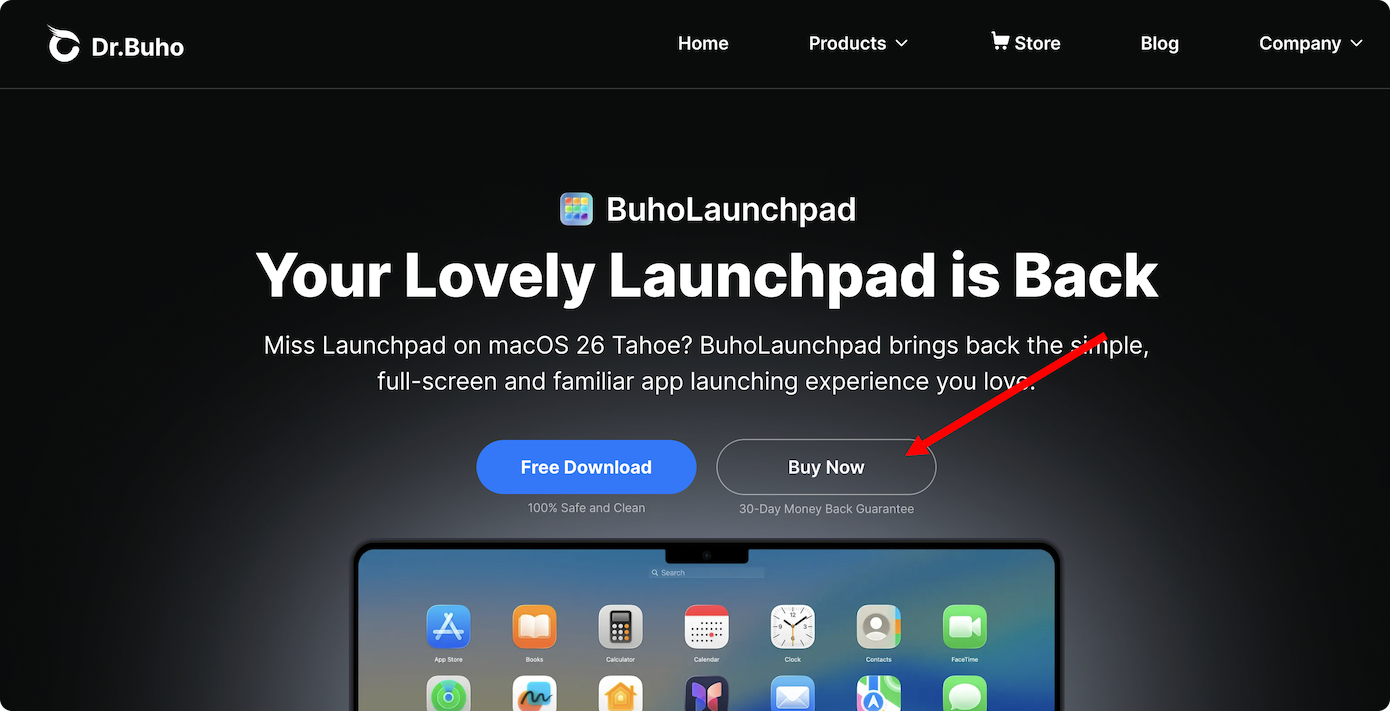
- Click the Buy Now button:
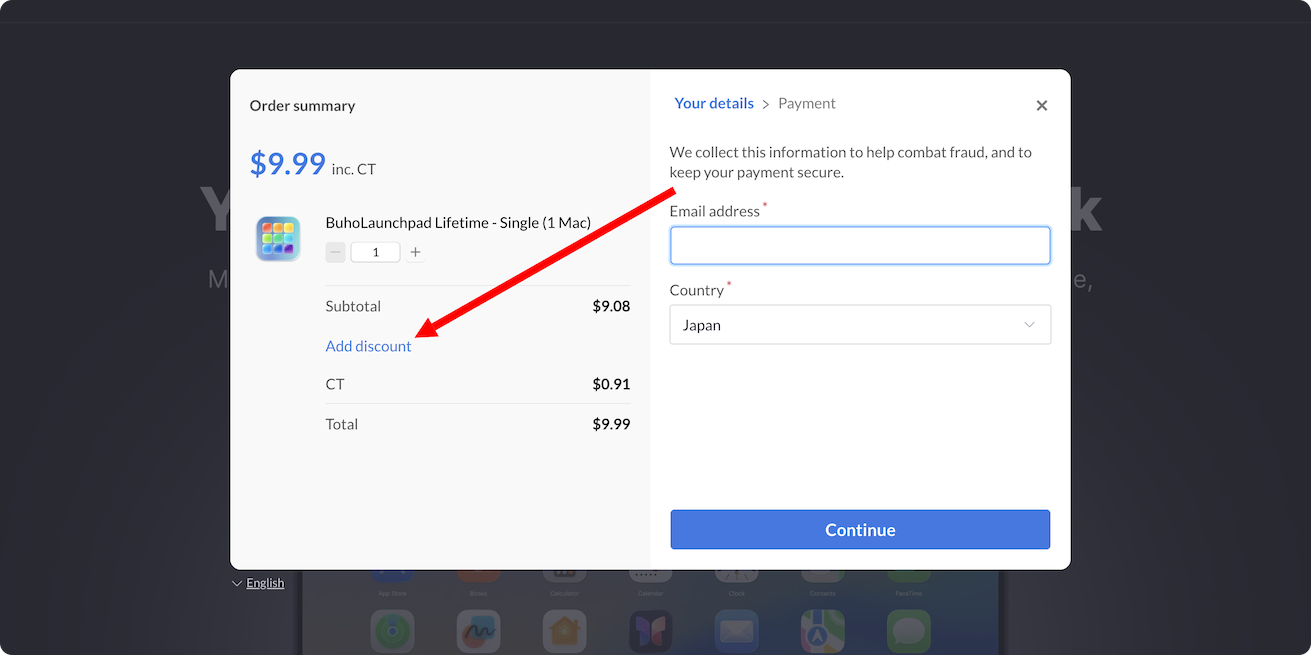
- In the popup Paddle window, select the Add Coupon option.
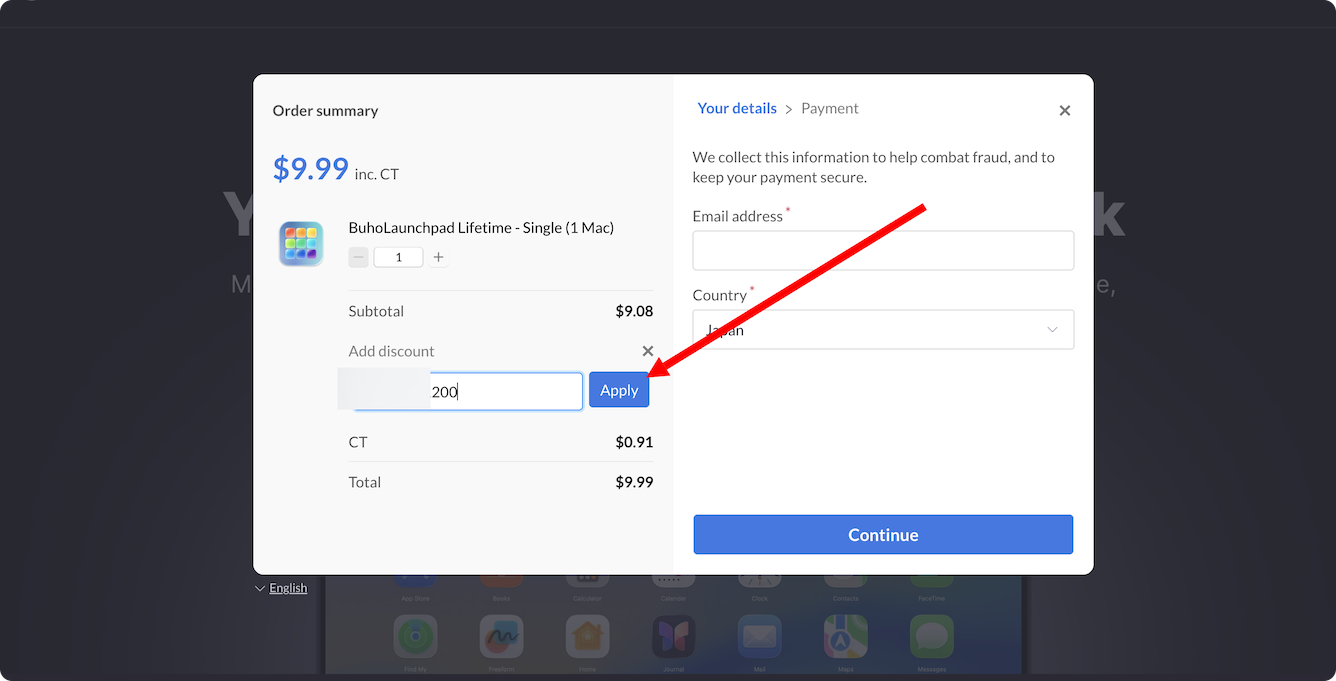
- Enter your coupon code and click Apply.
- Provide your email address, select your country, enter your Zip/Postcode, and then click the Continue button.
- Choose your preferred payment method and fill in your payment information if asked. Click the Complete checkout button.
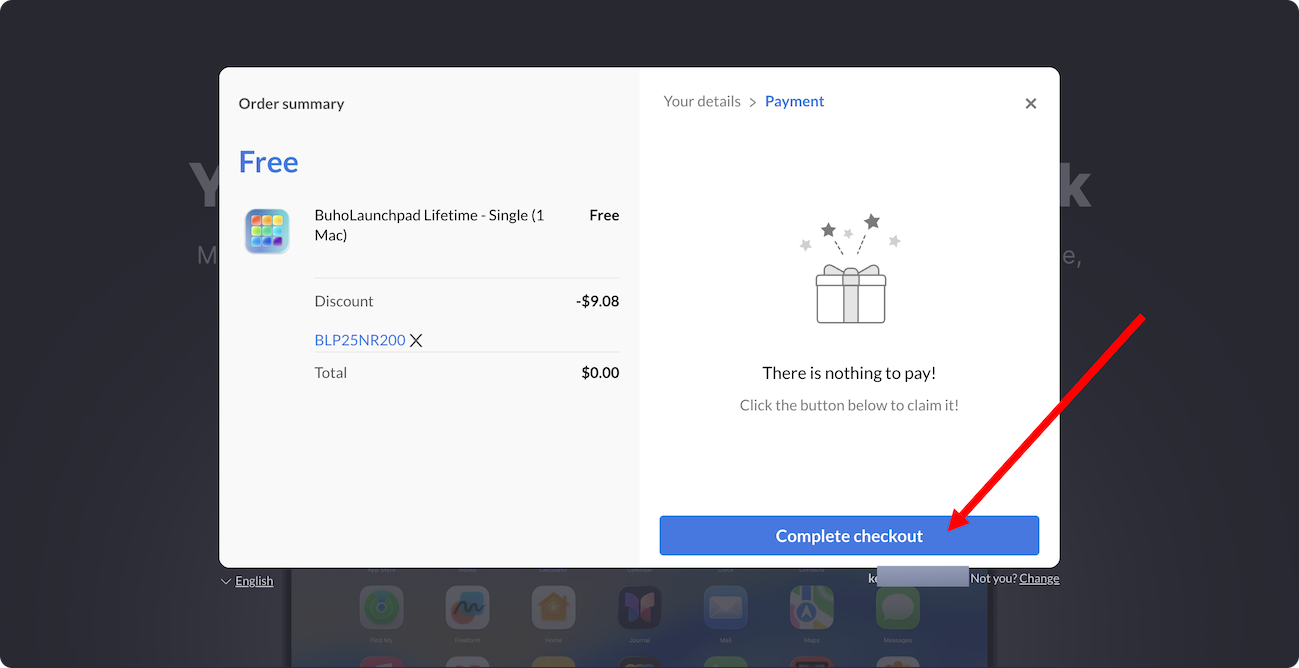
- Complete the checkout process.
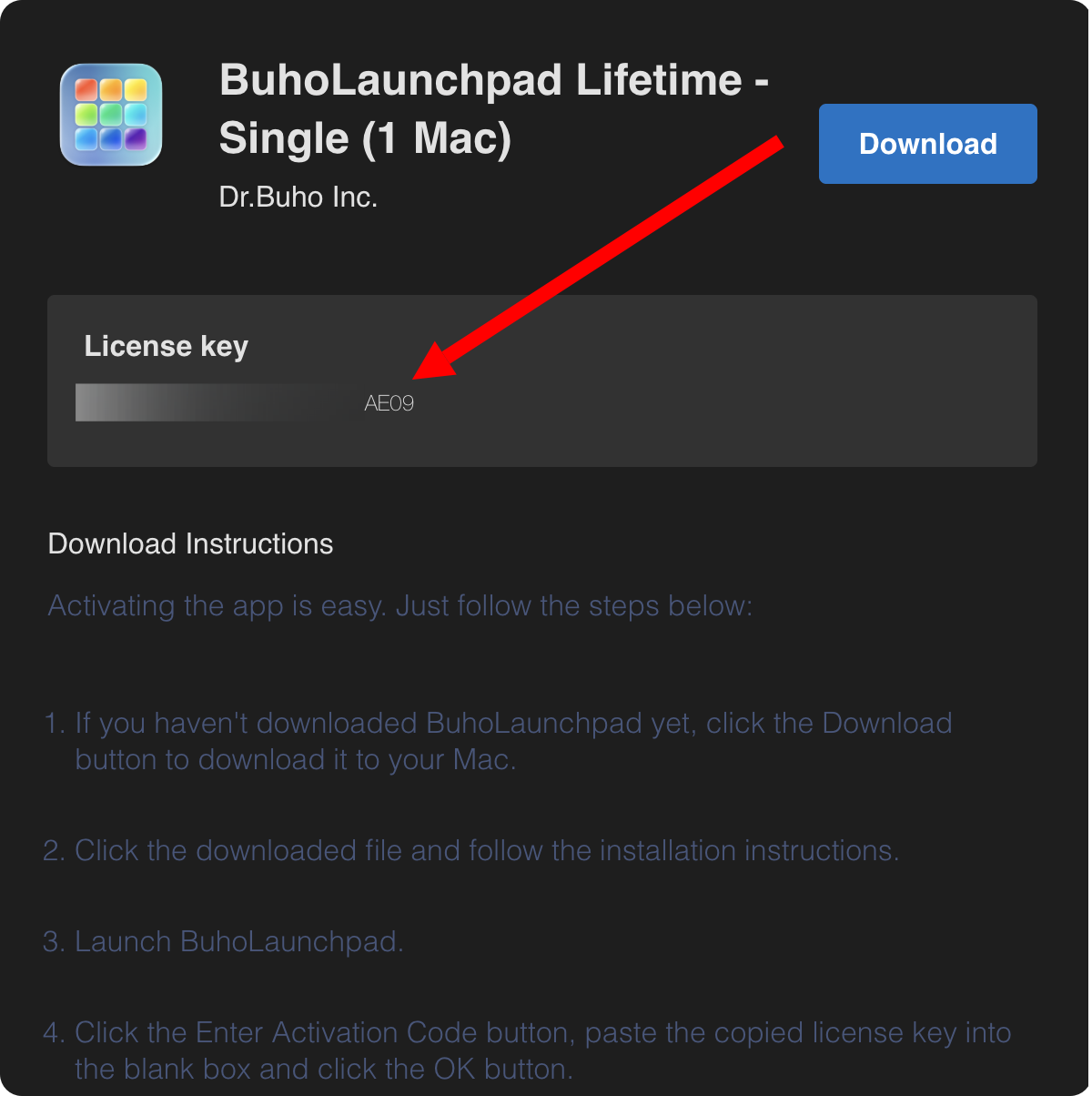
- Copy your license key and proceed to activate BuhoLaunchpad.