Installing BuhoBarX
Before installing BuhoBarX, let’s check the system requirements.
- macOS 14 Sonoma or Later
- Macs with Intel or Apple Silicon chips
- At least 30 MB of free space
How to Download and Install BuhoBarX on Your Mac
If your Mac meets the requirements, follow the steps below to install BuhoBarX:
- Go to the official BuhoBarX page.
- Click Download, and the download will start automatically.
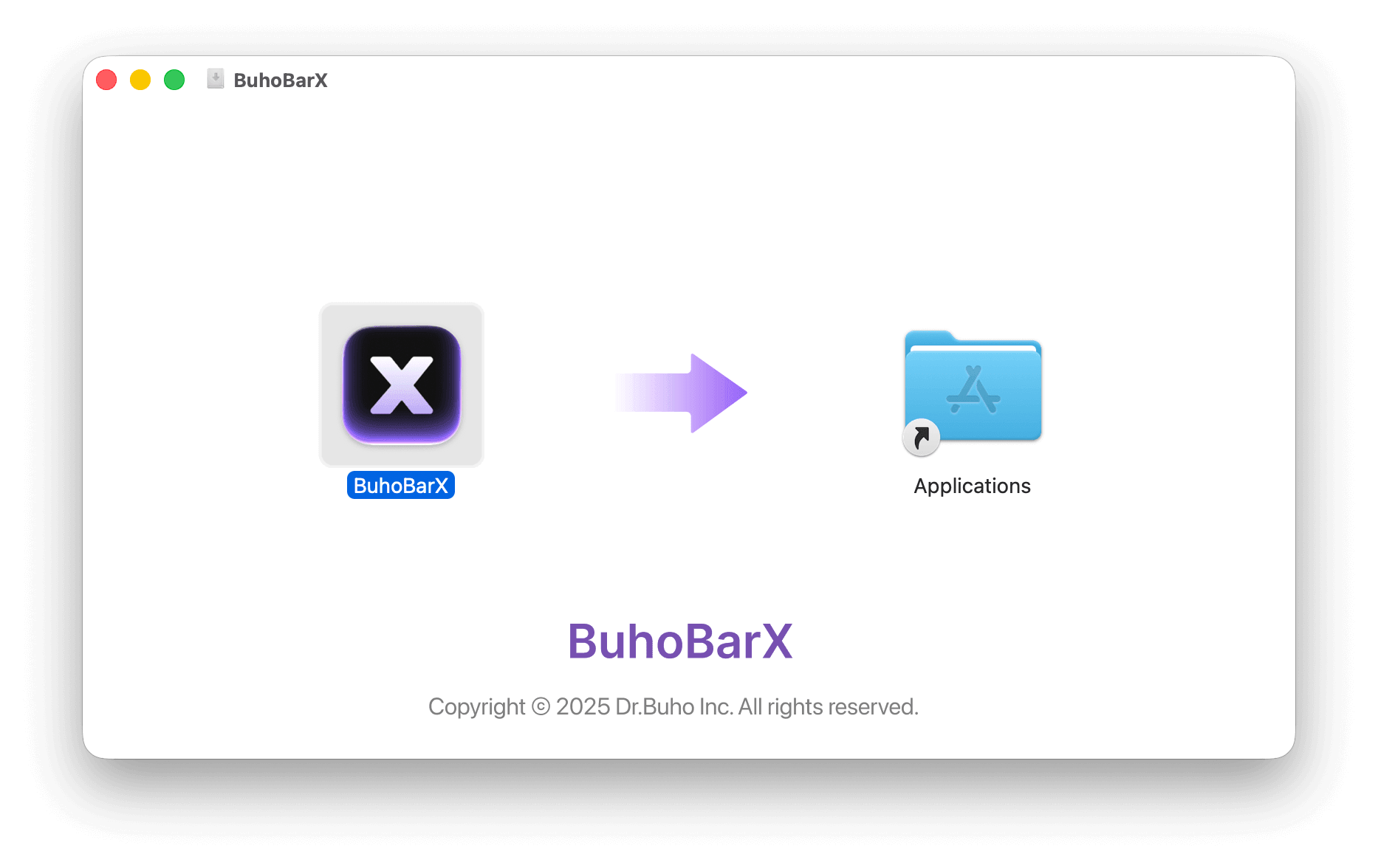
- Once the download is complete, double-click the DMG file and drag BuhoBarX to the Applications folder.
- Open BuhoBarX and grant the necessary permissions. Once done, you can start managing your Mac’s menu bar items.