

Uninstalling BuhoBarX
Whatever the reason for removing BuhoBarX from your Mac, you can follow the steps below:
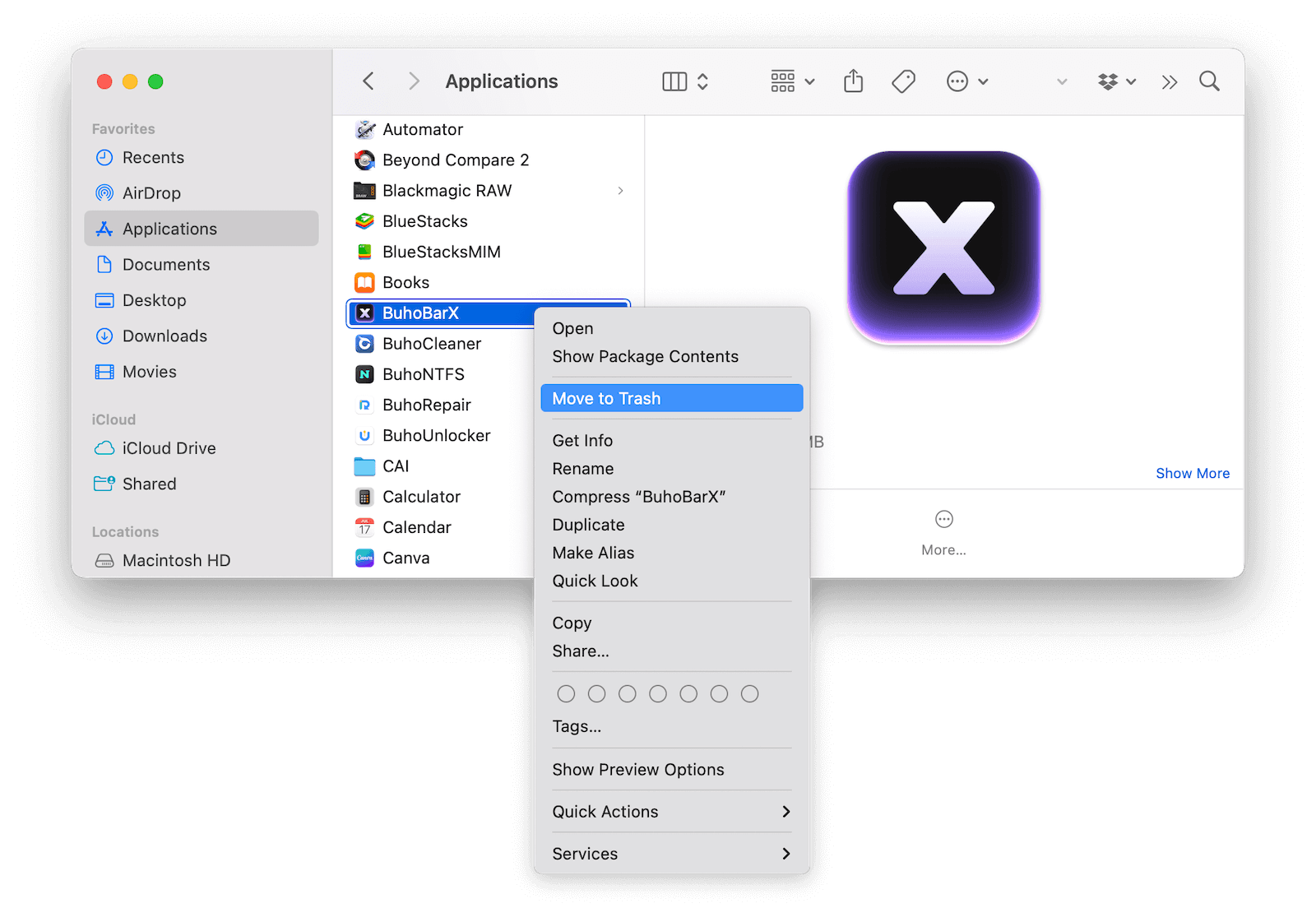
Open Finder and go to Applications.
- Find BuhoBarX and drag it to the Trash.
Click the Go menu in Finder and select Go to Folder.
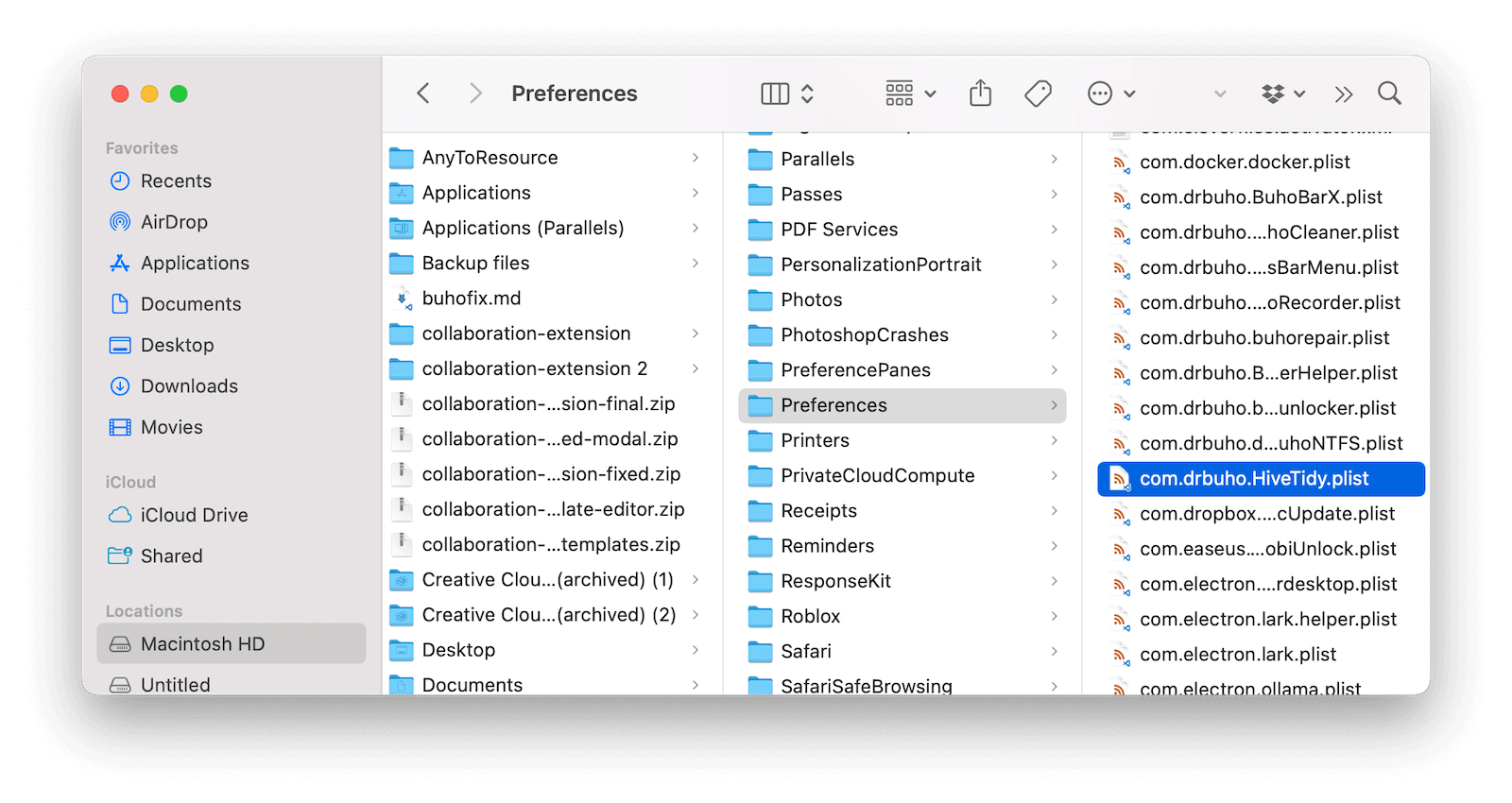
Navigate to the following file paths one by one, and delete any files related to BuhoBarX:
~/Library/Application Support/~/Library/Caches/~/Library/Logs/~/Library/Preferences/
When you’re done, empty the Trash.


If you don’t want to uninstall it manually, a Mac cleaner like BuhoCleaner can help you remove it with just one click.
We’re always working to improve your experience with BuhoBarX. If you have any feedback, please feel free to contact us at support@drbuho.com, and we’ll get back to you within 24 hours.