How to Activate BuhoLaunchpad
BuhoLaunchpad offers both a free version and a paid version. The free version has a 7-day trial period. Afterward, you will need to purchase a license code to access full BuhoLaunchpad features and technical support.
How to Purchase a License Code for BuhoLaunchpad
To obtain a full license code for BuhoLaunchpad:
- Visit our [Buy] page.
- Choose a plan that suits your needs and click the Buy Now button.
- On the pop-up window, provide your contact information and card details to complete the payment.
- After the transaction, you will receive an email from our payment processor, Paddle. Locate the email from Paddle in your inbox and copy your license code.
How to Activate BuhoLaunchpad
Activating BuhoLaunchpad is a simple process. Just follow these steps:
- Launch BuhoLaunchpad.
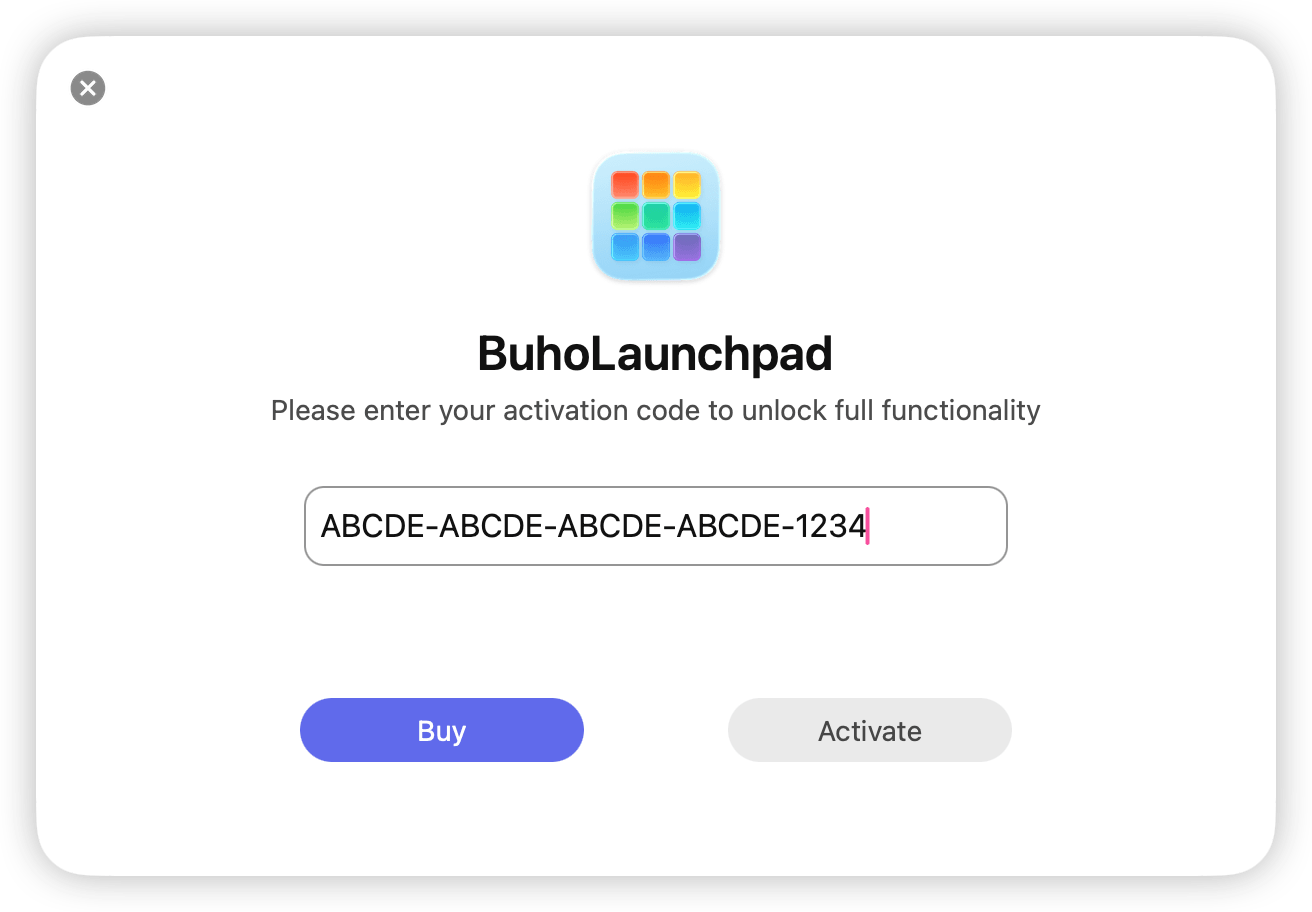
- Right-click > Activate > Enter Activation Code.
- Enter the license code you copied from the Paddle email, then click the Activate button.
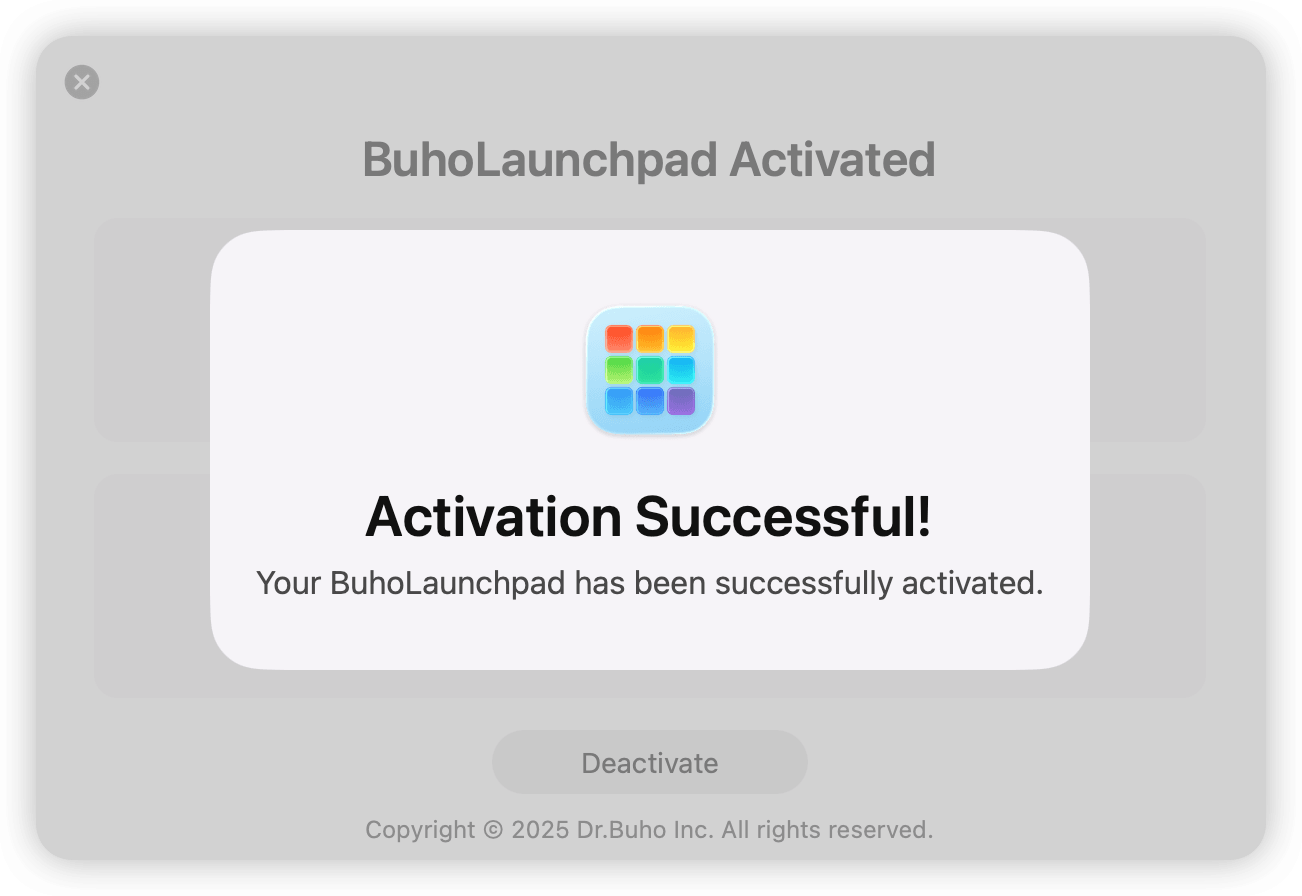
- When you see the success message, it means you can now freely use BuhoLaunchpad.