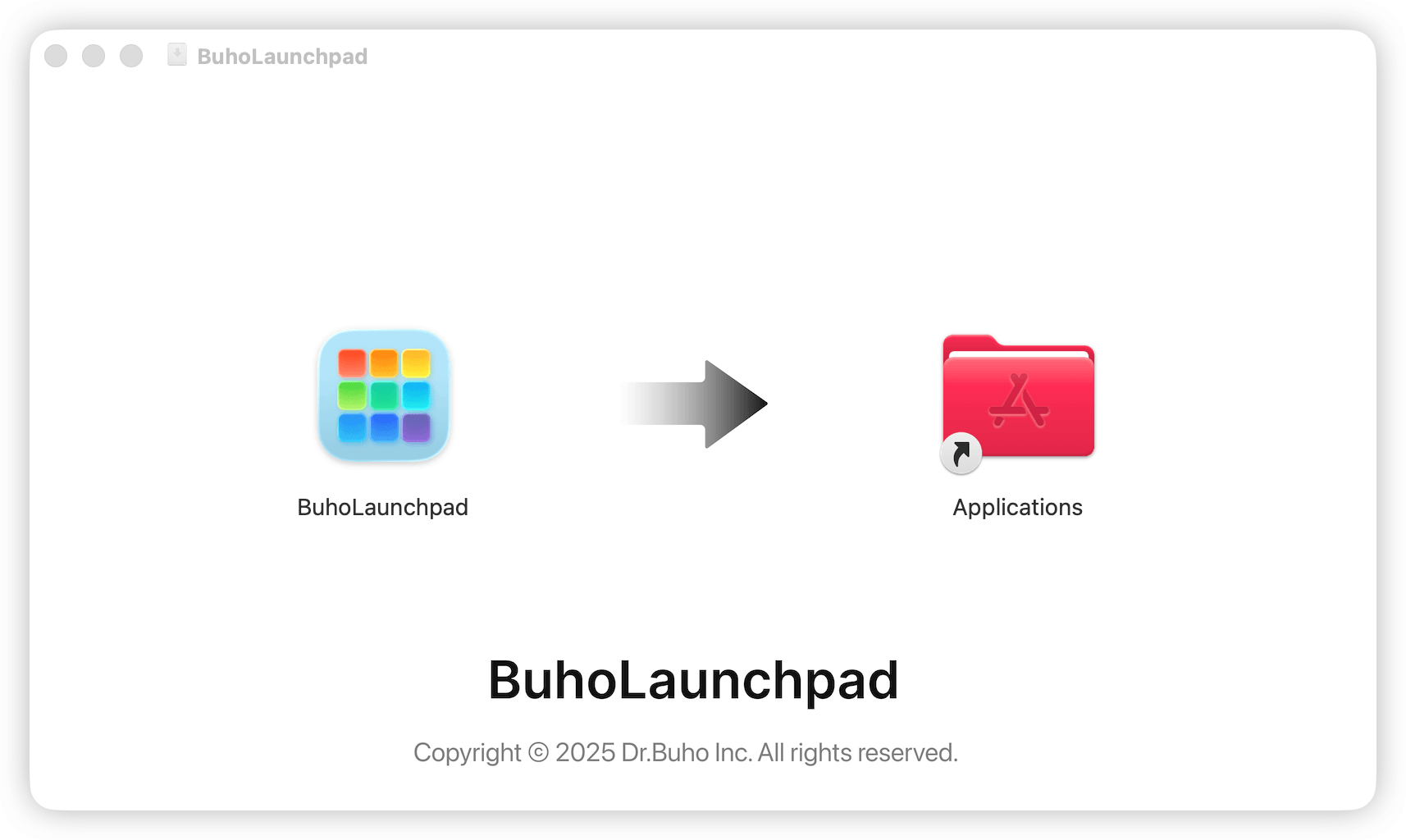
How to Install BuhoLaunchpad
If you want to keep your life and work in order and back to the native macOS Launchpad, the first step is to download and install BuhoLaunchpad.
Here's how:
Step 1: Check Compatibility
Make sure your Mac is running macOS 26.0 or later.
Step 2: Download BuhoLaunchpad
Visit our download page and click the Free Download button to obtain the BuhoLaunchpad .dmg file for your Mac.
Step 3: Install BuhoLaunchpad
- Double-click the downloaded .dmg file.
- Follow the instructions to complete the BuhoLaunchpad installation.
- Launch BuhoLaunchpad, grant the necessary access permissions as requested, and enjoy seamless access to your native Launchpad on your Mac.