

Launchpad Import
BuhoLaunchpad enables you to effortlessly migrate your legacy Launchpad layout and folder structure, allowing you to maintain the same app organization you had before.
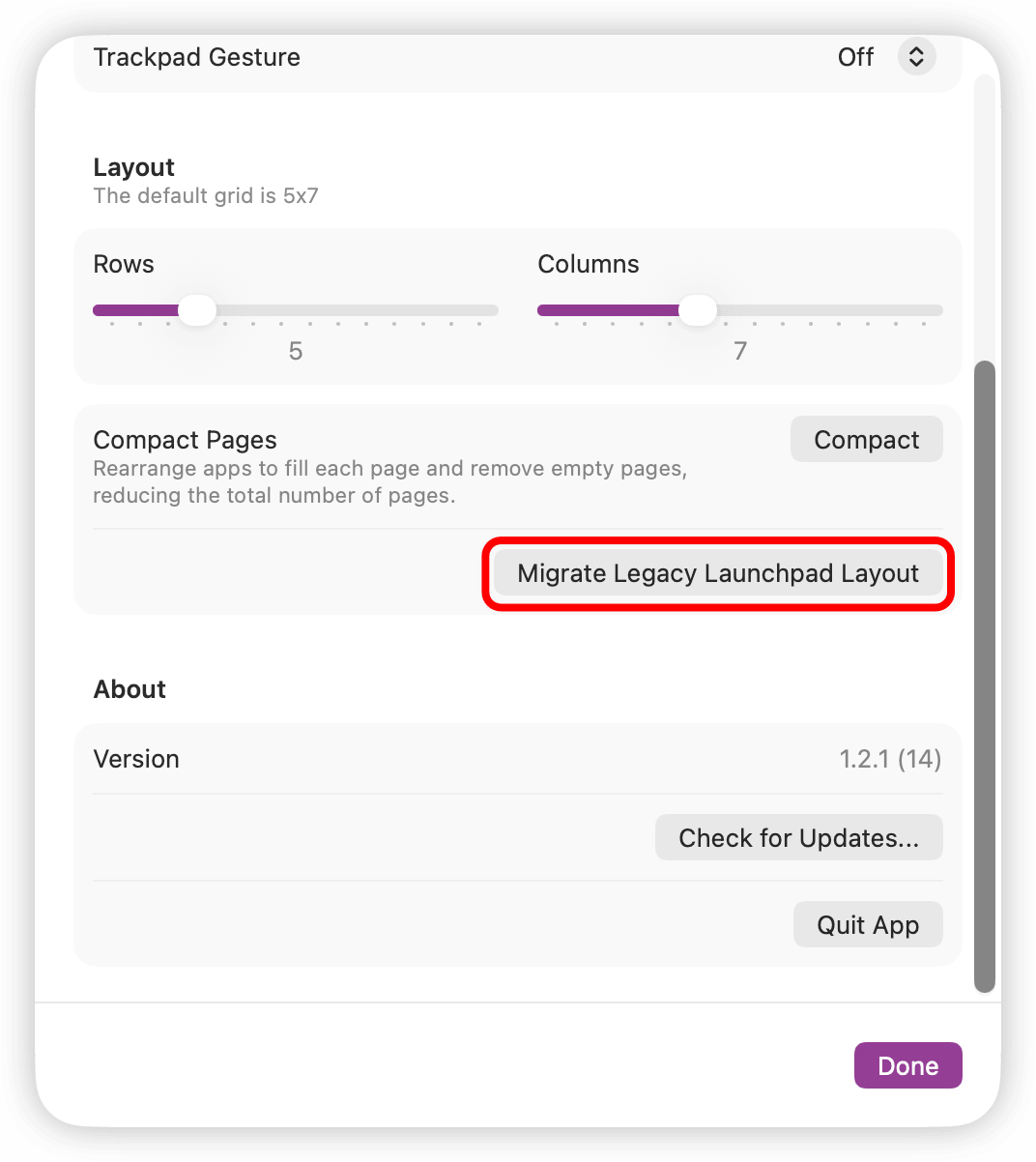
- Open BuhoLaunchpad’s Settings.
- Scroll down to find the option “Migrate Legacy Launchpad Layout”, then click it.
- In the Finder pop-up window, select the document named “db” and click “Allow”.



Notice
The “db” file contains only your original Launchpad layout data. It does not include any personal or sensitive information, so it is safe to allow access.
Once you complete the steps above, your previous Launchpad layout will be successfully restored on the new system. Enjoy your optimized, native Launchpad experience with BuhoLaunchpad.