

Customizing Layout
Access Layout Settings
Open BuhoLaunchpad’s Settings and navigate to the Layout section.
Adjust Rows and Columns
Use the sliders to set the number of Rows and Columns you want.
- As you move the sliders, the preset size preview updates in real time.
- Adjust until the preview matches your ideal layout.
Default Grid and An Example

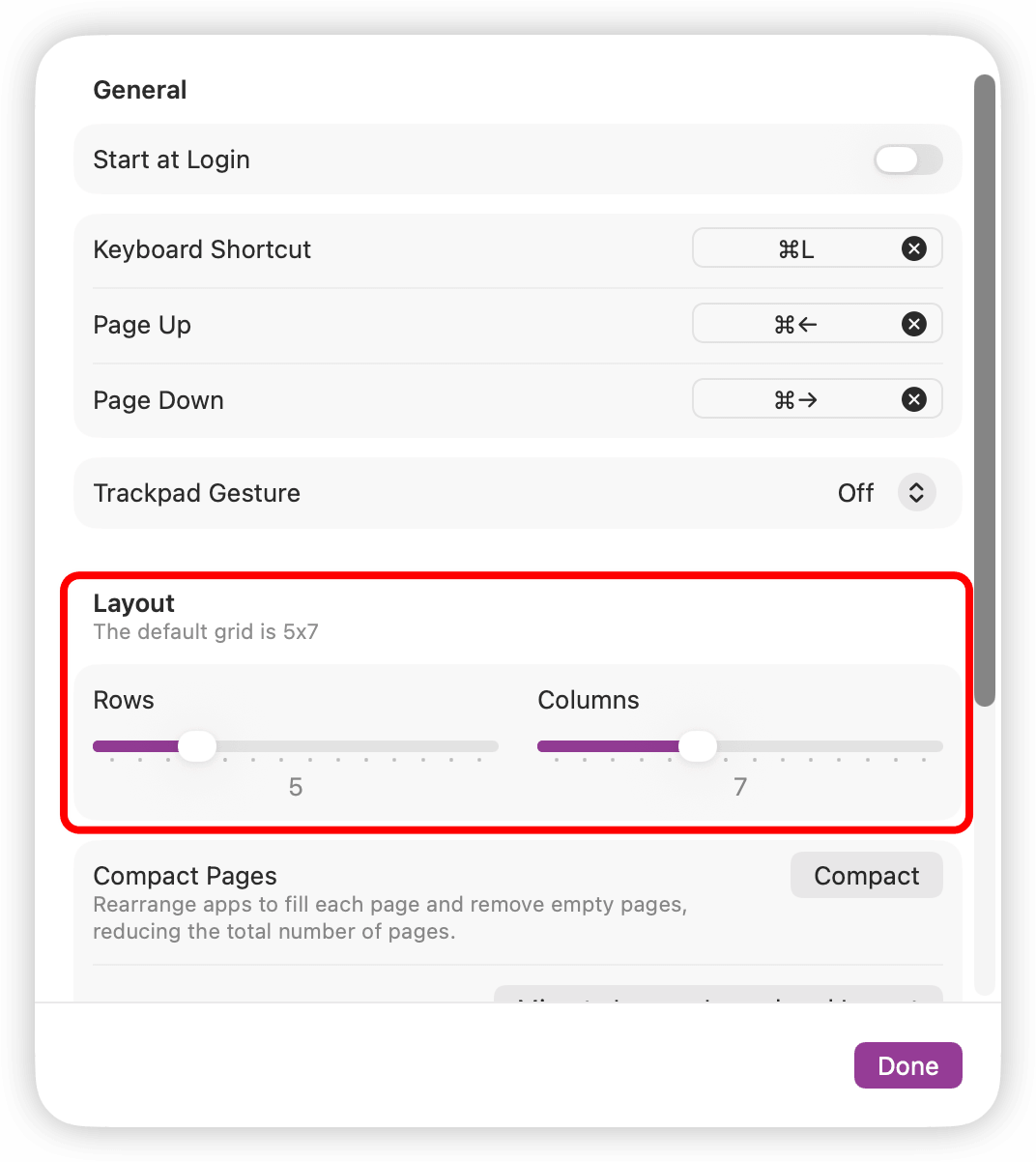
- By default, the layout is set to 5 rows by 7 columns, which can be customized according to your preference.
- If you prefer a square layout, you can choose the combination of Rows = 5 and Columns = 5.

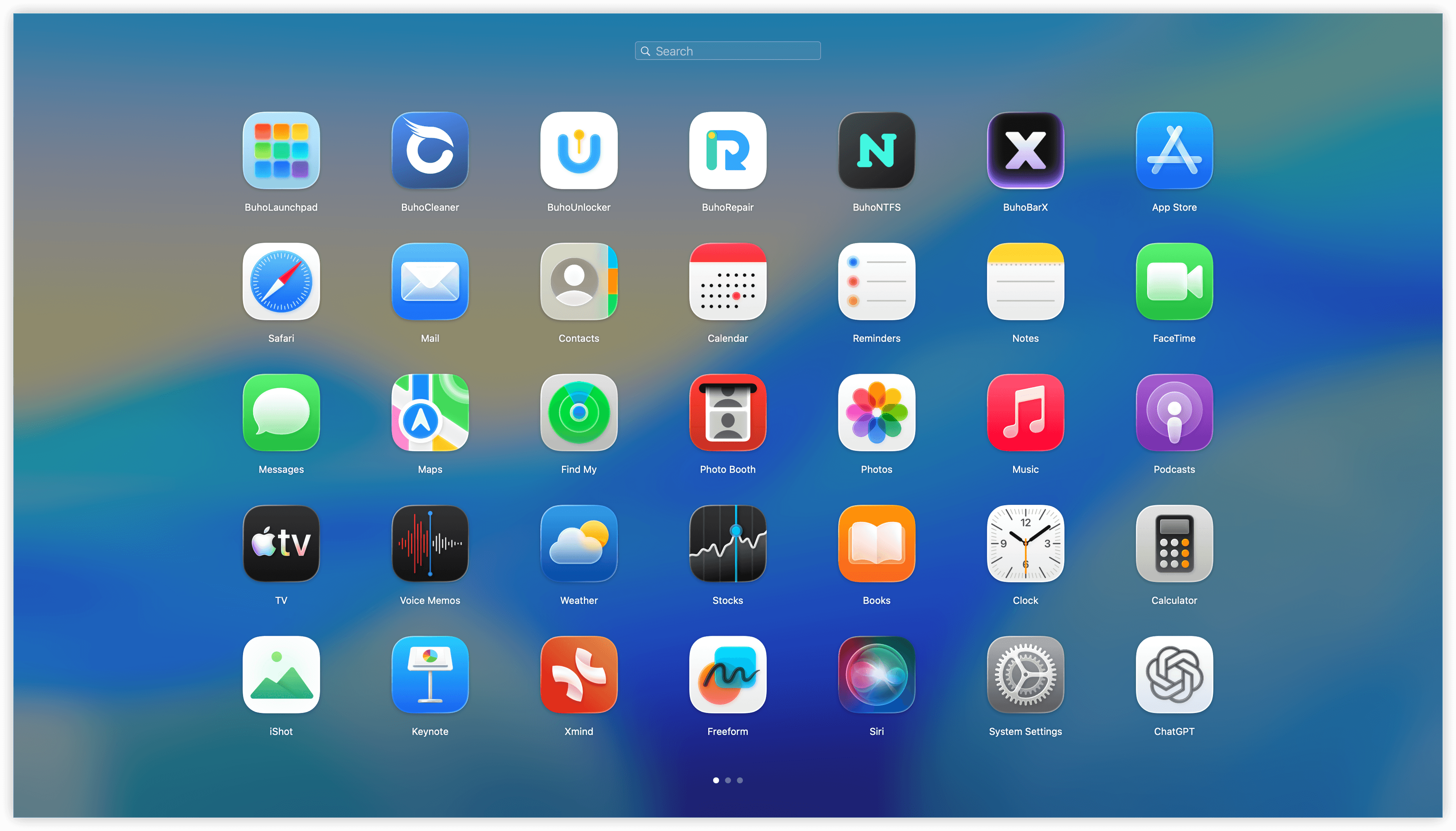
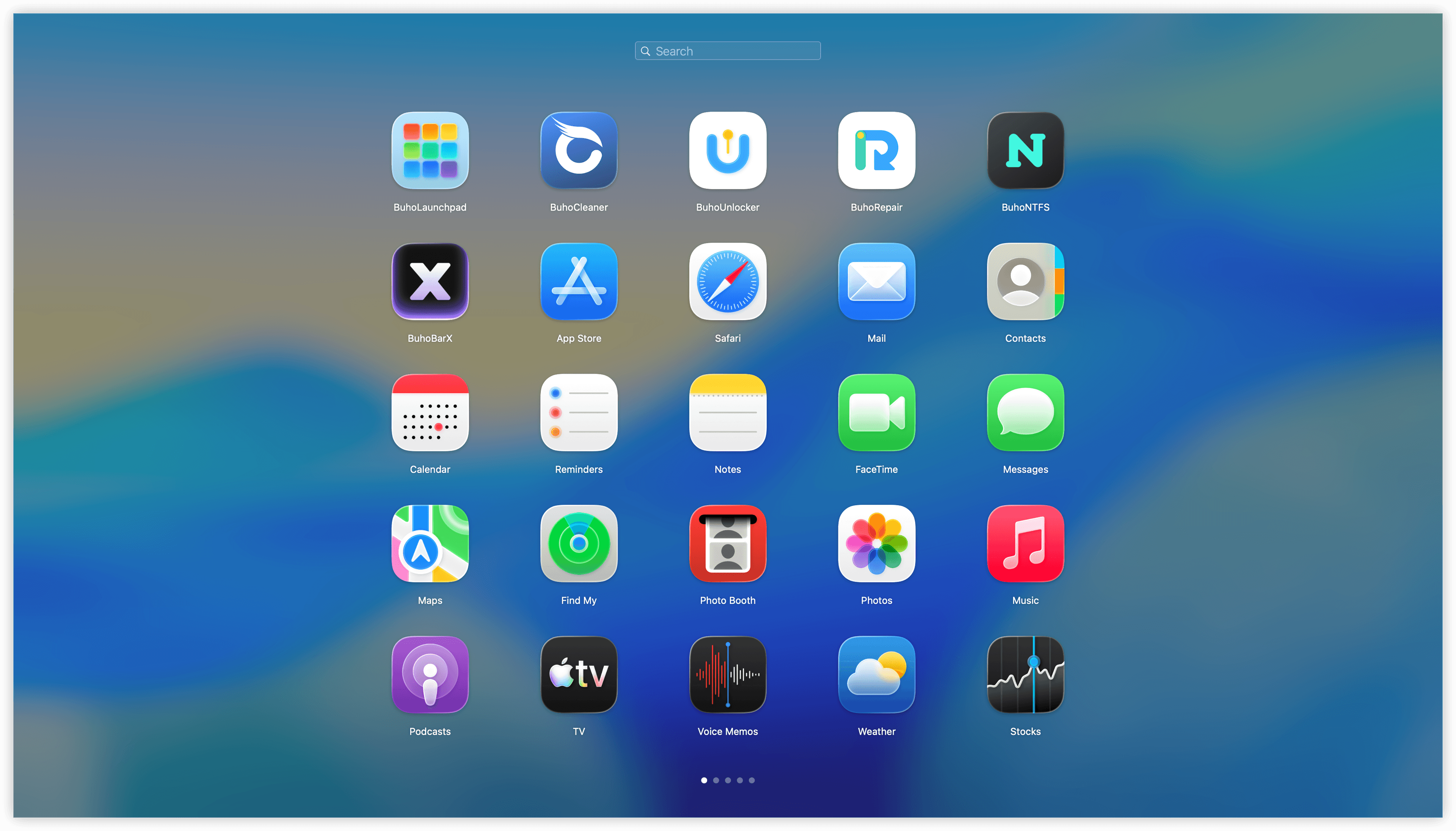
BuhoLaunchpad allows you to customize your app layout by adjusting the number of rows and columns. The default grid is 5x7, but you can modify it to match your ideal setup, creating a personalized and optimized Launchpad experience.