


BuhoLaunchpad

Simply The Best Launchpad for Mac

BuhoLaunchpad gives you back the classic Launchpad experience with smoother gestures, total grid control, and powerful extras: custom backgrounds, app hiding, one-click layout backup, and more.

30-day money-back guarantee
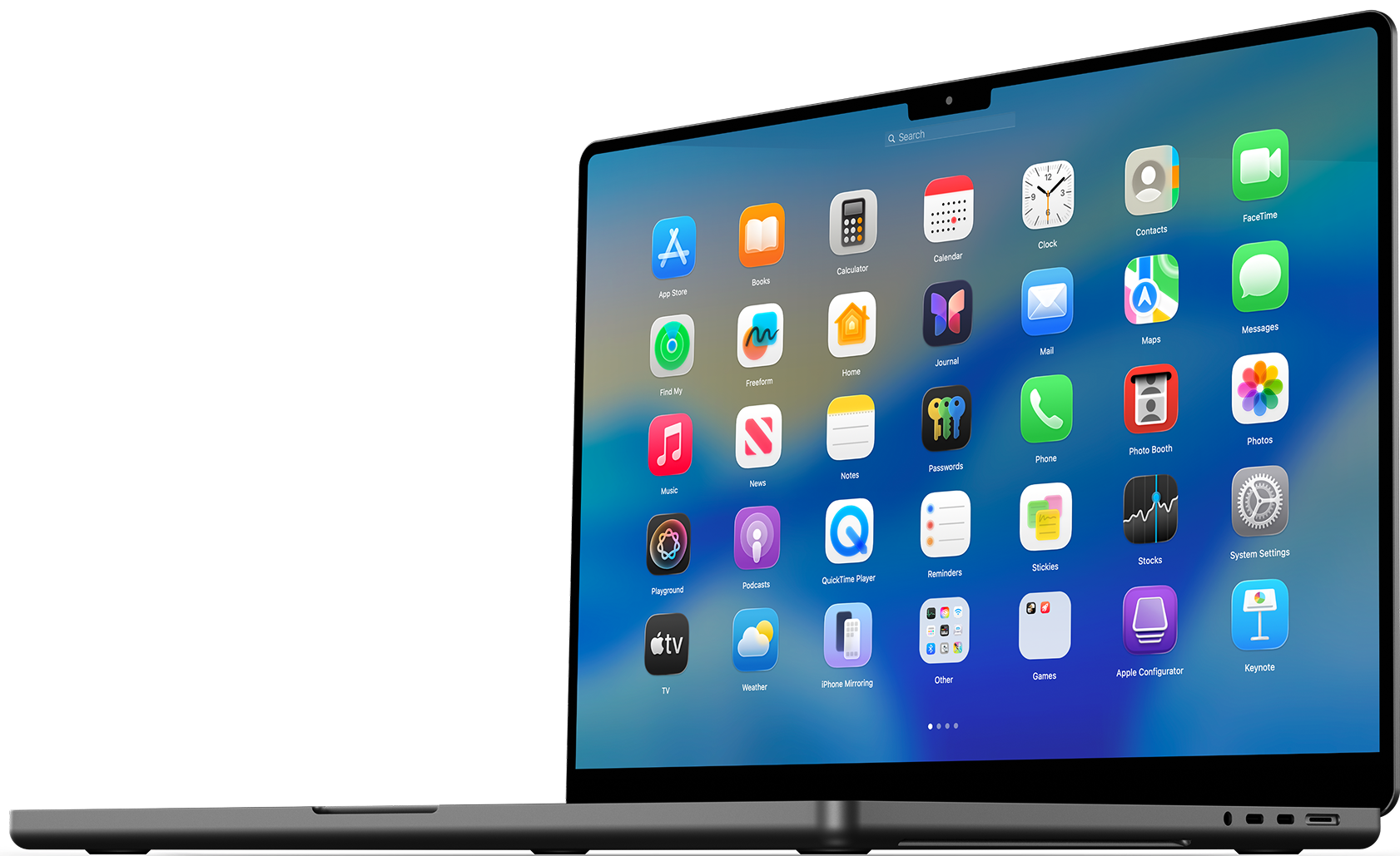
BuhoLaunchpad interface
Apple Notarized
macOS Tahoe 26 Ready
Runs on M-series/Intel Macs
Keyboard Shortcuts

The Most Native Launchpad Experience

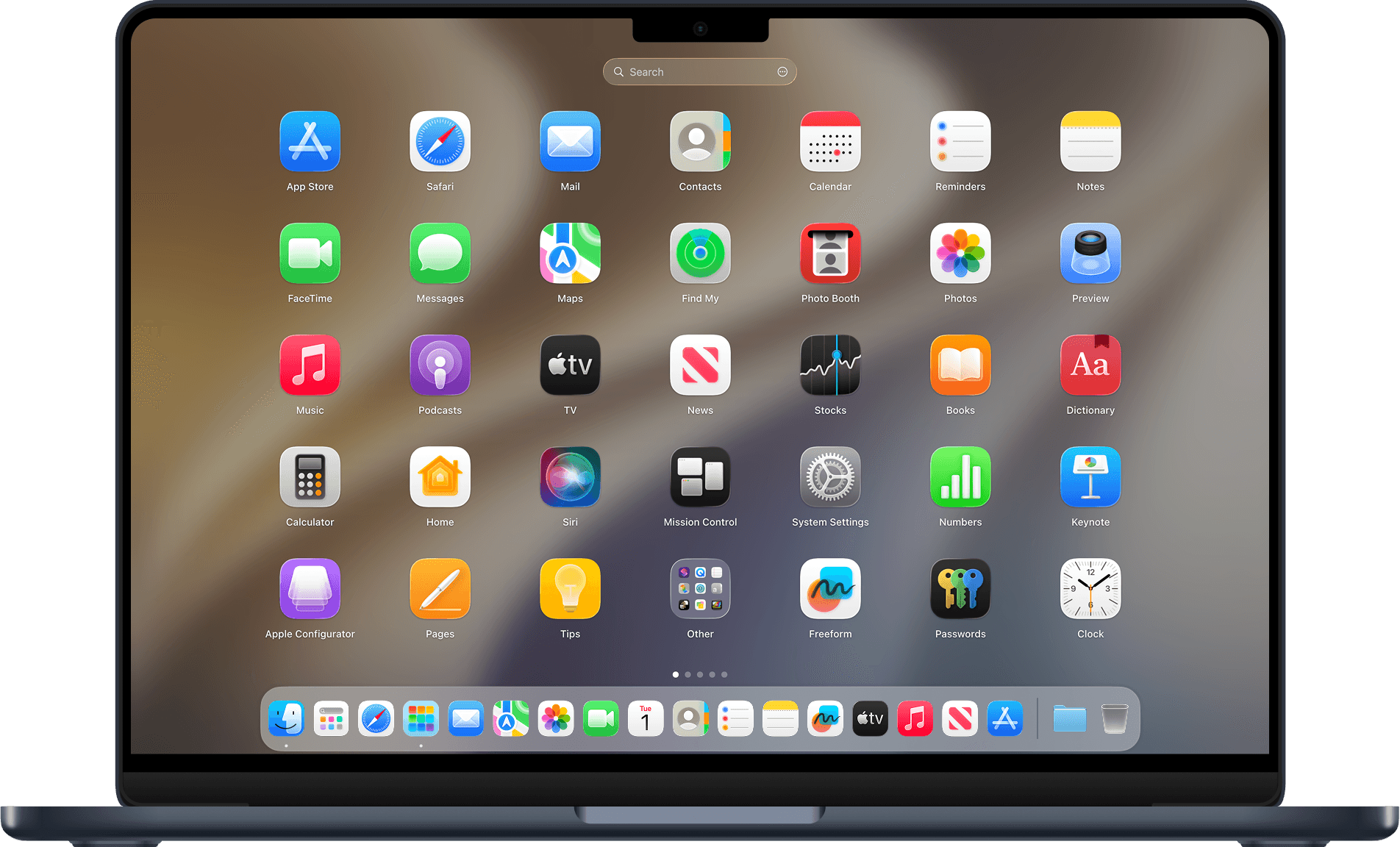
BuhoLaunchpad recreates the classic Launchpad feeling on macOS 26 Tahoe with pixel-perfect animations and fluid page swipes. Organize apps naturally: drag icons to rearrange, group them into custom folders, rename folder titles with a single-click, and remove apps with a single drag. Everything works exactly the way you expect - only better.

Launch with Gestures & Hot Corners

Summon BuhoLaunchpad instantly with the familiar four or five-finger pinch gesture, just like the original. Swipe between pages with two fingers for smooth, responsive navigation. Assign any screen corner as a hot corner to trigger Launchpad with a flick of your mouse. Navigate effortlessly with arrow keys, scroll, or clicks - your workflow, your rules.

Total Control Over Your App Grid

BuhoLaunchpad puts you in full control of your app grid. Adjust the number of rows and columns to fit your screen size and visual preference - from compact grids that fit more apps to spacious layouts that are easy on the eyes. Fine-tune icon size with a simple slider, and watch the grid adapt in real time. Your Launchpad now bends to your will, not the other way around.

Custom Backgrounds & Adaptive Text Color

Make your Launchpad truly yours. Set any image as your custom background, then adjust blur level to achieve the perfect look. App icon text automatically adapts to background brightness for optimal readability - light on dark, dark on light. Hide the Settings button from the search bar for an ultra-clean interface. Hide or unhide the Dock based on your choice.

Layout Backup, Restore & Migration

BuhoLaunchpad's backup and restore system acts as a time machine for your app layouts. Back up your current grid with one click, then restore it instantly whenever you need - perfect for switching between setups or recovering from accidental changes. Upgrade from old macOS version? Use Migrate Legacy Launchpad Layout to pull in your old Launchpad arrangement automatically. Your workspace survives every system update and every Mac upgrade.

App Hidden & Adapted Icon Styles

Tired of scrolling past apps you never use? Right-click on any app and hide it from the launchpad instantly. Hidden apps aren't deleted; they're neatly archived in Settings > Hidden Apps, ready to be restored at any time. BuhoLaunchpad delivers a dashboard that feels completely at home on your Mac. And with full support for macOS 26's native App Icon styles (Default, Dark, Light, Tinted), BuhoLaunchpad creates a feeling completely at home on your Mac.

Bonus Features

External App Support

External App Support

Add custom app installation paths from external hard drives or any folder. Works with Homebrew installed apps.

Smart App Search

Smart App Search

You can type the full name or just type the first letter of an app's name to instantly locate it.

Display Selection

Display Selection

Choose to display on the main display or on the display with Dock, or with Cursor.

Compact Pages

Compact Pages

One toggle to remove gaps and empty spaces from your grid, keeping every page compact and clutter-free.

Reset Layout

Reset Layout

One click reverts your entire Launchpad grid to its original clean state - perfect for a fresh start.

Multi-Language Support

Multi-Language Support

English, Deutsch, Español, Français, Italiano, 日本語, 한국어, 简体中文, 繁體中文.


BuhoLaunchpad is a lightweight macOS utility that recreates and improves upon the Launchpad experience. It adds advanced management options that Apple never implemented, making it a valuable tool.

By Alf, Review Editor from faq-mac.com

The BuhoLaunchpad application reintroduces the classic way of viewing applications in the new system, allowing you to browse through them all in a clean and intuitive grid.

By Luiz Gustavo Ribeiro, Review Editor from MacMagazine.com.br

The app displays installed programs in the familiar grid view and allows users to rearrange individual applications via drag and drop or group them into folders.

By Chris, Review Editor from iFun.de

BuhoLaunchpad boasts a significantly faster display and navigation speed than other tools I've tested in recent weeks. It truly replicates the original Launchpad experience, especially since it can automatically revert to the original structure upon first launch.

By Bernard Le Du., Review Editor from VVMac.com

BuhoLaunchpad is a lightweight macOS utility that recreates and improves upon the Launchpad experience. It adds advanced management options that Apple never implemented, making it a valuable tool.

By Alf, Review Editor from faq-mac.com

The BuhoLaunchpad application reintroduces the classic way of viewing applications in the new system, allowing you to browse through them all in a clean and intuitive grid.

By Luiz Gustavo Ribeiro, Review Editor from MacMagazine.com.br


BuhoLaunchpad

Launch your apps - fast and familiar.

Works for macOS 15/26 & Best Optimized for macOS 26

BuhoLaunchpad preview