Top 5 LaunchOS Alternatives to Find and Organize Apps on Mac

LaunchOS is one of the best Launchpad alternatives for restoring the original grid layout, allowing users to find apps based on their position and icon. In this article, we will introduce the five best LaunchOS alternatives that offer similar functionality, with some providing even better performance, more advanced features, and free options.
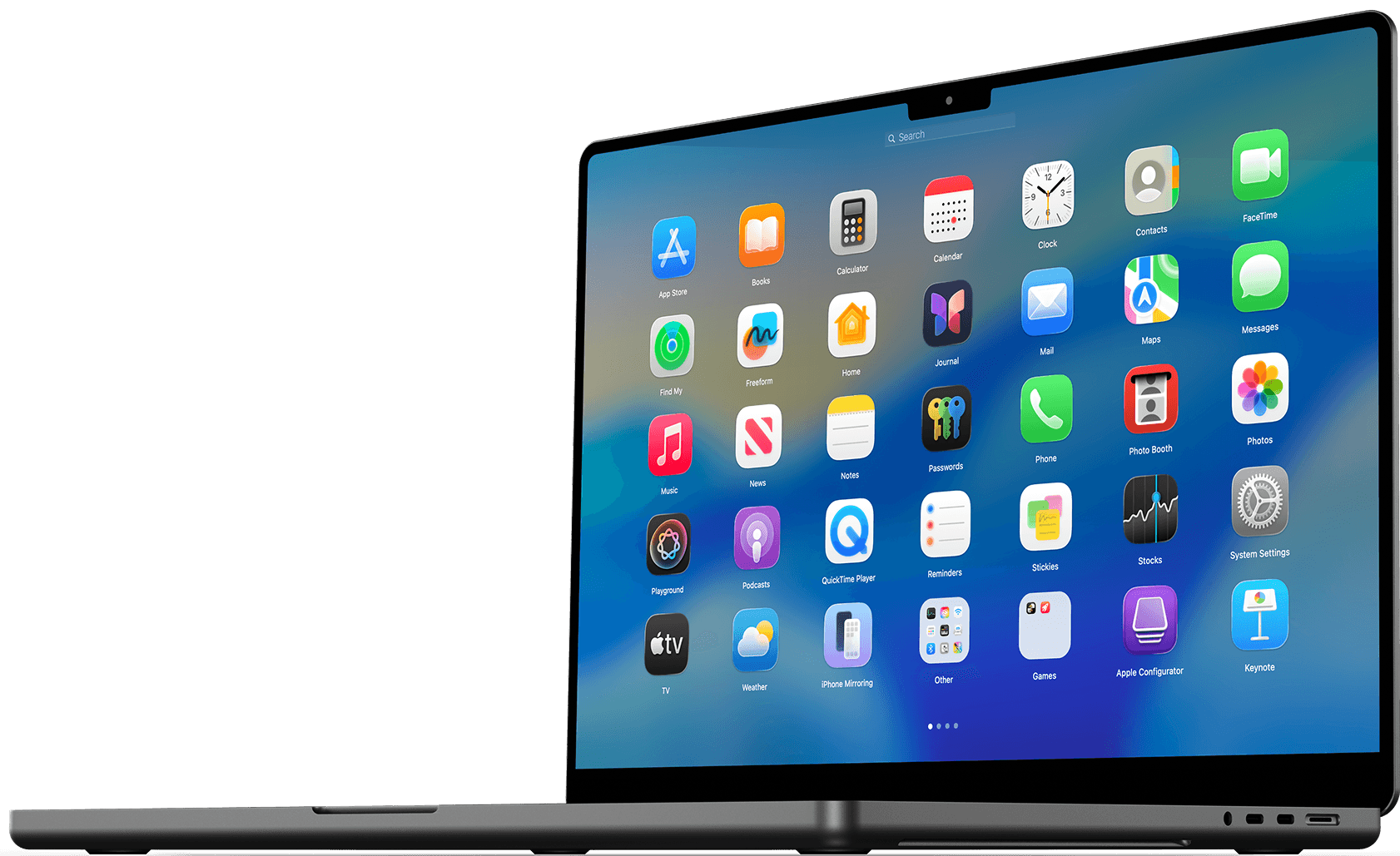
At first glance, the removal of Launchpad on Mac with macOS 26 Tahoe may seem like a small design change, but it has a much greater impact on how people open and organize their apps. Launchpad offered a clear, visual interface that let users browse through their applications using spatial memory instead of relying on exact names or icons. Its absence removes a familiar layer of convenience that many users depended on daily.
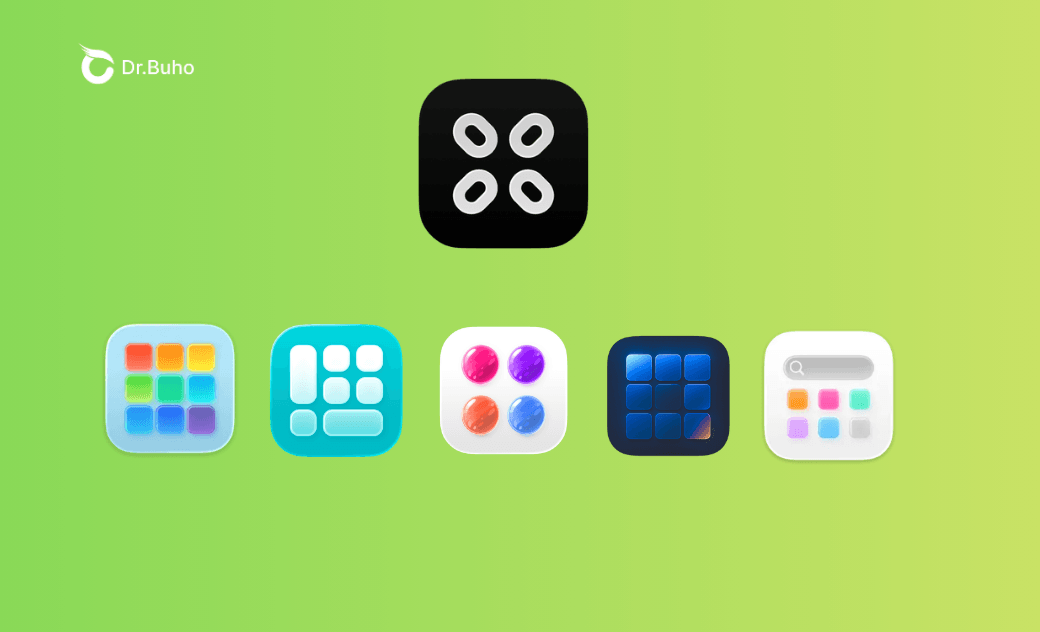
Fortunately, Launchpad replacement apps that restore the classic Launchpad-style experience have stepped in. LaunchOS is one of the most outstanding examples. If you are wondering whether there are other apps like LaunchOS and how they compare, you have come to the right place. In this guide, we will review the best 5 LaunchOS alternatives to help you find the option that fits your workflow best.
Best 5 LaunchOS Alternatives for Mac and MacBook
LaunchOS successfully restores many of the core features that made Launchpad so useful and familiar. When selecting LaunchOS alternatives, we focused on tools that not only offer similar functionality but also introduce additional capabilities that go beyond what LaunchOS provides.
Quick takeaway:
- Best original Launchpad alternative - BuhoLaunchpad
- Best overall LaunchOS alternative - BuhoLaunchpad
- Best free alternative to LaunchOS - AppGrid
- Best LaunchOS alternative in different languages - LaunchMe
- Best LaunchOS alternative with Customization - Launchie
Here is a more detailed comparison table between LaunchOS and its replacements:
| Feature | BuhoLaunchpad | LaunchMe | Launchie | AppGrid | LaunchNext |
|---|---|---|---|---|---|
| Full screen grid-based layout | ✔️ | ✔️ | ✔️ | ❌ | ✔️ |
| Customizable grid layout | ✔️ | ✔️ | ✔️ | ❌ | ✔️ |
| Built-in app search | ✔️ | ✔️ | ✔️ | ✔️ | ✔️ |
| Horizontal swipe between app pages | ✔️ | ✔️ | ❌ | ✔️ | ✔️ |
| Launch with trackpad gesture | ✔️ | ✔️ | ❌ | ❌ | ❌ |
| Launch with hot corner | ✔️ | ✔️ | ✔️ | ❌ | ❌ |
| Reposition apps by dragging | ✔️ | ✔️ | ✔️ | ✔️ | ❌ |
| Group apps by dragging | ✔️ | ✔️ | ✔️ | ✔️ | ❌ |
| Custom apps names | ❌ | ❌ | ❌ | ✔️ | ❌ |
| Quick right-click menu | ✔️ | ✔️ | ❌ | ❌ | ❌ |
| Vertical scroll view | ❌ | ❌ | ❌ | ✔️ | ❌ |
| Hide apps | ✔️ | ✔️ | ✔️ | ❌ | ✔️ |
| Pricing | $7.99 - 1 lifetime license for 1 Mac $15.99 - 3 lifetime licenses for 3 Macs | $9.99 for 1 LITE lifetime license $24.99 for 1 PRO lifetime license | $14.99 - 1 lifetime license for 1 Mac | Free | Free |
1. BuhoLaunchpad
BuhoLaunchpad stands out as the best overall Launchpad alternative when you consider its features, performance, and pricing. Compared to LaunchOS, it delivers an experience that feels much closer to the original Launchpad, making it a no-brainer choice for anyone who wants a true Launchpad-like environment on their Mac.


One of BuhoLuanchpad's standout features is its ability to import your previous Launchpad layout from your old system. It can restore your folders, app positions, and overall layout, helping you quickly regain the familiar organization you were used to.
This LaunchOS replacement not only provides the essential grid layout for browsing apps, smooth navigation, and simple app organization, but also brings back the visual details that made the original Launchpad feel polished and seamless on both Mac desktops and laptops.
BuhoLaunchpad features a blurred desktop background and smooth fade-in and fade-out animations when opening the launcher or launching an app, closely matching the native behavior. In contrast, LaunchOS focuses more on functionality and pays less attention to these visual details, making BuhoLaunchpad the more authentic and immersive option.
2. LaunchMe
LaunchMe is another solid LaunchOS alternative that includes all the essential features LaunchOS offers, such as the classic grid layout, smooth full-screen mode, app folder organization, and full compatibility with the latest macOS 26 design updates, such as the liquid glass feature.


Compared to LaunchOS, LaunchMe stands out with deeper customization options. For example, it supports dynamic wallpapers, which LaunchOS currently doesn’t offer. It also lets you right-click on individual apps to customize them directly and organize apps into categorized pages more easily.
One drawback, however, is that enabling the trackpad gesture to open LaunchMe requires extra downloads and setup. While this only needs to be done once, it can be slightly inconvenient for users who want a quick and seamless setup.
3. Launchie
Launchie is another strong LaunchOS alternative, available as a lightweight app on the Mac App Store. It not only brings back the familiar grid-style app launcher to your Mac but also provides quick access to your recently used, most used, and newly installed apps.


Compared to LaunchOS and the original Launchpad, Launchie offers a wider range of customization options, making it a great choice for users who want more control over how their app launcher looks and feels. For example, you can open it in a window, use it in full screen, or display it in a maximized view. It even allows you to adjust the size of app icons and font, and use different fonts. These customizations help create a more personalized and comfortable browsing experience.
However, Launchie does have a notable drawback compared to LaunchOS. It does not support trackpad gestures on MacBook Air or MacBook Pro. You will need to rely on Hot Corners or keyboard shortcuts to activate it.
4. AppGrid
AppGrid is another LaunchOS alternative worth considering if you prefer something simple, clean, and focused. Instead of adding lots of extra features, AppGrid stays true to the original idea of Launchpad - helping users find apps based on visual memory. It presents your apps in a clear grid so you can remember where an icon was placed on each page rather than relying on search.
AppGrid’s biggest advantage is that it’s free to use its basic features, making it one of the best free LaunchOS alternatives available. However, many important features are locked behind its Pro version, which is relatively expensive compared to similar apps.


Unlike LaunchOS, which opens in a full-screen and immersive interface, AppGrid displays your apps in a centered window. This makes the experience feel less seamless and not as fully integrated with the system, which may be noticeable for users who prefer a more native, Launchpad-like environment.
5. LaunchNext
Another free LaunchOS alternative you can consider is LaunchNext. Unlike many other LaunchOS replacements that are distributed as DMG installers or downloaded directly from the App Store, LaunchNext comes as a ZIP file. Because of this, macOS security features may block it from opening, so you may need to manually use Terminal commands to run it. While the setup process can be less convenient, once it’s running properly, LaunchNext proves to be a powerful and reliable launcher.


However, LaunchNext focuses more on restoring and preserving your existing layout rather than offering advanced personalization. Options for modifying groups, rearranging apps freely, or customizing the interface are not available compared to LaunchOS and other alternatives.
Conclusion
If you want to find apps faster and bring back the familiar browsing experience, tools like LaunchOS can be extremely helpful. The original Launchpad style feels more natural and is often quicker, especially if you rely on visual memory. The good news is that LaunchOS isn’t your only choice, and there are several other similar tools that offer the same core functionality.
When choosing a LaunchOS alternative, the best option should not only match its core features but also provide added value. This may include smoother performance, more customization options, or better pricing. We highly recommend BuhoLaunchpad because it closely recreates the classic Launchpad experience while offering useful extra features at a much more affordable price compared with other alternatives to LaunchOS.
Clare has been captivated by the world of Apple products since the launch of the iconic iPhone in 2007. With a wealth of experience, Clare is your go-to source for iPhone, iPad, Mac, and all things Apple.