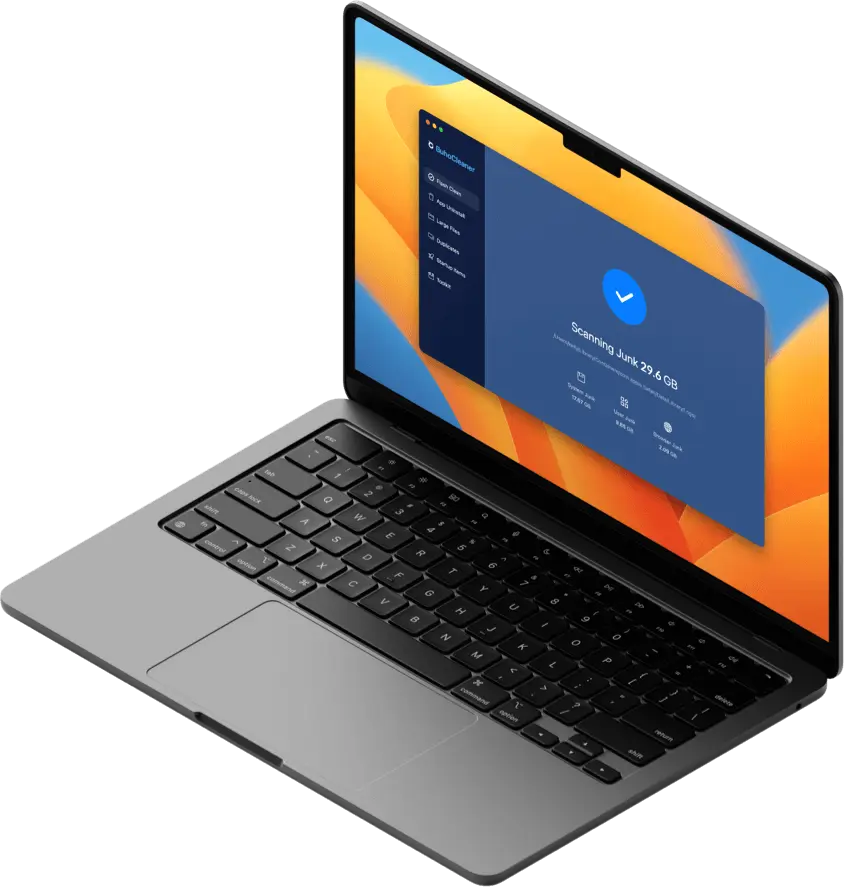
Test Clear System Storage Mac

Before You Start
This test article is designed for Astro preview validation. It uses the same topic as the existing "clear system storage on Mac" article, but the copy is intentionally short and focused on Markdown rendering coverage.
preview.drbuho.com. It covers normal paragraphs, headings, images, tables, notes, steps, link buttons, related links, YouTube embeds, raw HTML, and code blocks.What Counts as System Storage on Mac?
System storage is a broad macOS category. It can include caches, logs, Time Machine local snapshots, app support files, language resources, temporary downloads, and files that macOS has not assigned to a more specific category.
This paragraph uses the legacy :p[] directive so the p-directive mapping is exercised separately from ordinary Markdown paragraphs.
For a test article, this section is useful because it checks ordinary paragraph rhythm, inline links like Dr.Buho, download links like download BuhoCleaner, inline code like ~/Library/Caches, and emphasis such as important cleanup warnings.
This sentence includes a legacy anchor directive for same-page jump coverage: Jump to the macOS Ventura or Monterey reset section.


Do not delete folders from /System, /Library, or hidden app containers unless you know exactly what created them. For validation, this note block should render as a distinct highlighted callout with readable spacing on desktop and mobile.
Quick Checks Before Cleaning
Start with the built-in macOS storage view. It gives you a safe overview before you touch files manually.
1Open System Settings and go to General > Storage. Wait for macOS to finish calculating each category.
2Review large apps, iOS backups, downloads, and trash before touching cache folders. These areas are easier to verify and safer to clean.
3Restart your Mac after a cleanup pass. Some temporary files are only released after macOS closes background processes.


Safe Cleanup Areas
Table Rendering CheckHOT
Small Heading Rhythm Check
macOS VenturaまたはMontereyを搭載したMacを工場出荷状態に戻す方法
The table below checks table rendering, column alignment, wrapping, and mobile overflow behavior.
| Area | Typical Path | Safe Action |
|---|---|---|
| User caches | ~/Library/Caches | Remove old app cache folders after quitting the app. |
| Downloads | ~/Downloads | Delete installers, archives, and duplicate files you no longer need. |
| Trash | ~/.Trash | Empty Trash after confirming nothing important is inside. |
| iOS backups | Finder > your device > Manage Backups | Delete outdated backups only when you have a newer backup. |
Optional Cleanup With BuhoCleaner
If you want a faster test path, use the button group below to verify CTA layout, button attributes, download behavior, and analytics hooks.
BuhoCleaner - Always Keep Your Mac at Peak Speed
Free download BuhoCleaner to Clean Your Mac, Maximize Mac Performance.


Manual Cache Cleanup Example
This code block is not meant to be run blindly. It exists to verify code styling, monospace wrapping, and copy readability.
du -sh ~/Library/Caches/*
open ~/Library/Caches
After reviewing the folder, delete only cache folders that belong to apps you recognize and have already quit.
If a cache folder comes back after a restart, that usually means the related app or macOS service still needs it. That is normal.


Related Reading
- A Question from Quora.
Video Embed Test
The YouTube block below is included only to test lazy video rendering and click-to-play behavior.
Raw HTML and Lists
This raw HTML paragraph should stay inside the article body without breaking surrounding Markdown.
Checklist for preview review:
- The table should scroll or fit cleanly on mobile.
- The images should not cause layout shift.
- The CTA buttons should keep stable spacing.
- The YouTube block should render as a 16:9 preview before activation.
- The note and step blocks should preserve their visual treatment.
Final Verification
After publishing this article in Strapi, open the preview URL and check desktop plus mobile widths:
https://preview.drbuho.com/how-to/clear-system-storage-mac-astro-test
If this page renders correctly, the article-body pipeline is covering the most important legacy Markdown shapes for the current Astro migration.
Robert is a tech-savvy fan who loves all things Apple. As a hobbyist of gardening and meditation, he is also a seasoned writer covering a wide array of Apple products, like iPhone, iPad, iOS, and more.