Store
Store 



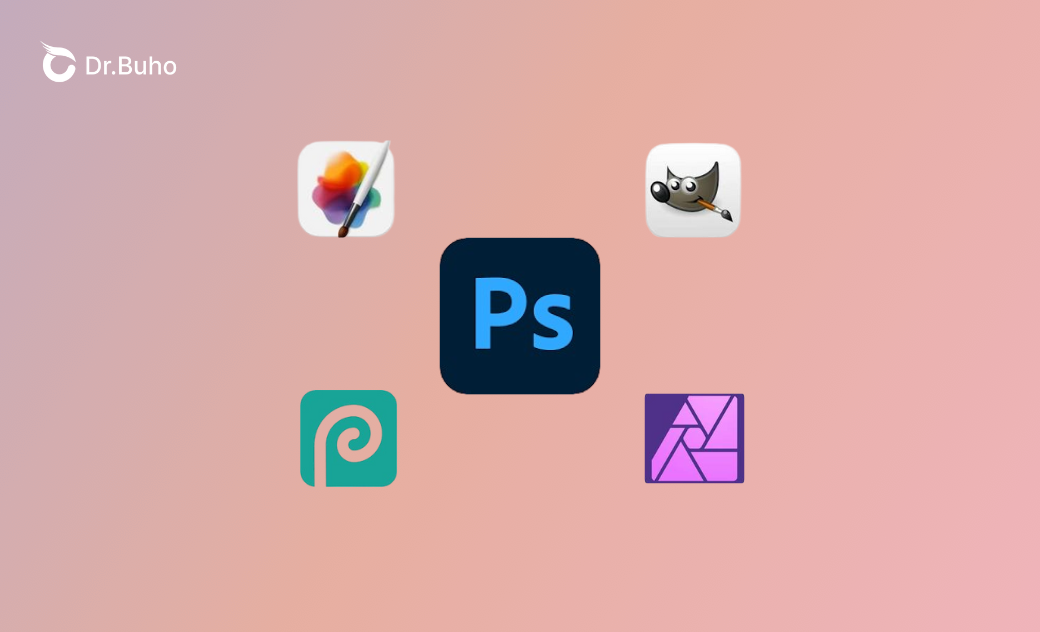
Discover the top 4 Photoshop alternatives for Mac. From free tools like GIMP to paid options such as Pixelmator Pro and Photopea, this post breaks down their strengths, weaknesses, and real-world use cases.
If you’re tired of Adobe Photoshop’s subscription fees or simply want a lighter, more straightforward image editor for creating, editing, and manipulating digital images, you’re not alone. Many Mac users are actively looking for solid Photoshop alternatives.
In recent years, a new wave of Photoshop competitors has emerged. Among professional-grade tools, we’ve selected 4 standout Photoshop alternatives for macOS. Below, we’ll walk through their key features and share our editor’s honest take on each one.
Notable Limitations of Photoshop
If you’re on the fence about switching from Photoshop, it helps to understand its drawbacks first. These range from high ongoing costs and a steep learning curve to heavy system resource usage.
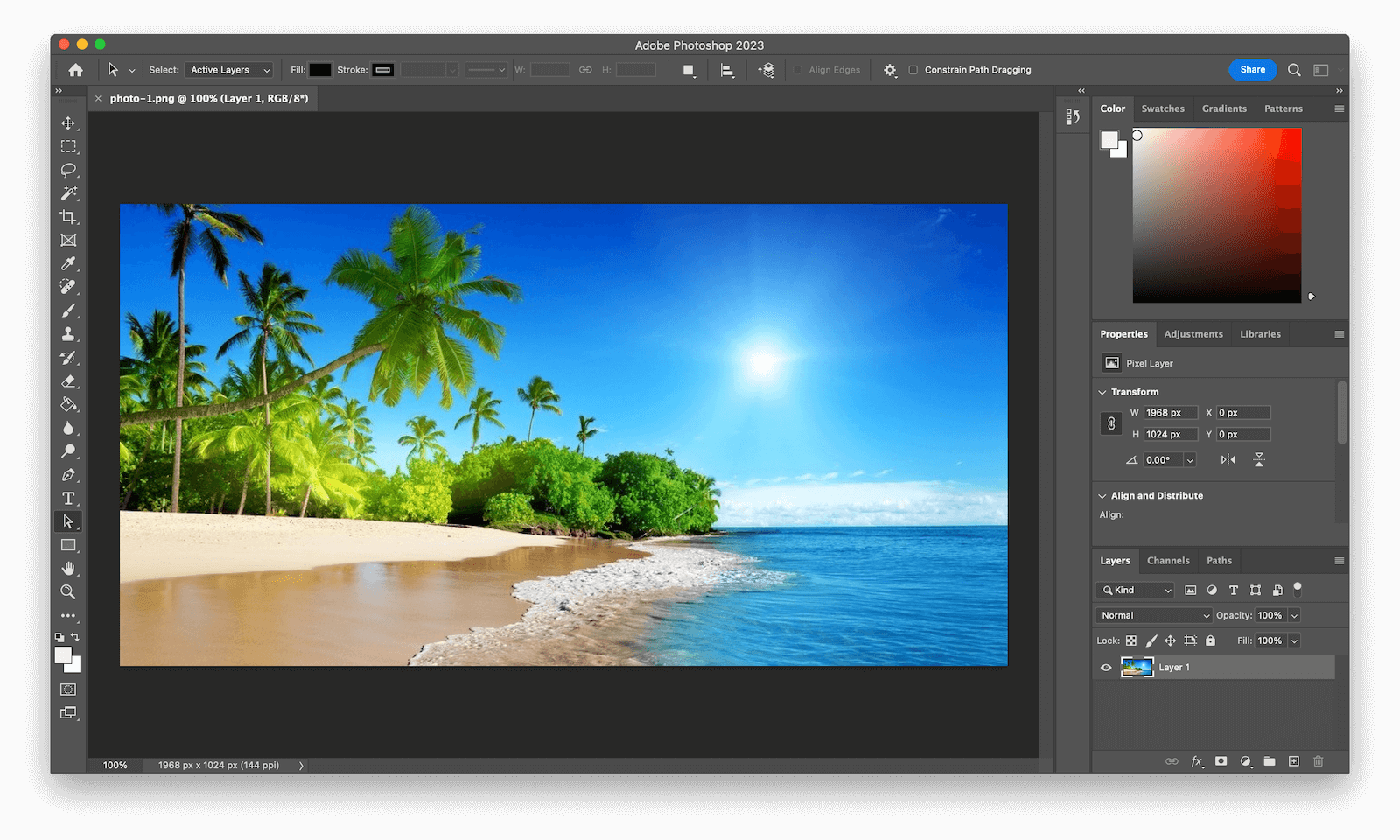
- Photoshop runs on a subscription model through Adobe Creative Cloud, which can be expensive, especially if you want to use it occasionally.
- The interface can feel overwhelming for beginners and often requires significant time and training to master.
- It demands a lot of CPU, RAM, and storage, which can slow down or even crash entry-level Macs—especially when working with large files or complex effects.
- Frequent updates may introduce bugs or disrupt your workflow.
- While Photoshop supports basic vector work, it falls short when handling complex vectors compared to tools like Adobe Illustrator.
4 Best Photoshop Alternatives for Mac in 2026
Affinity Photo
Affinity Photo is one of the closest competitors to Adobe Photoshop in terms of professional capabilities. It offers a full suite of tools for photo editing, retouching, and compositing, all built around a powerful layer-based workflow. It supports RAW editing, HDR merging, panorama stitching, and more.
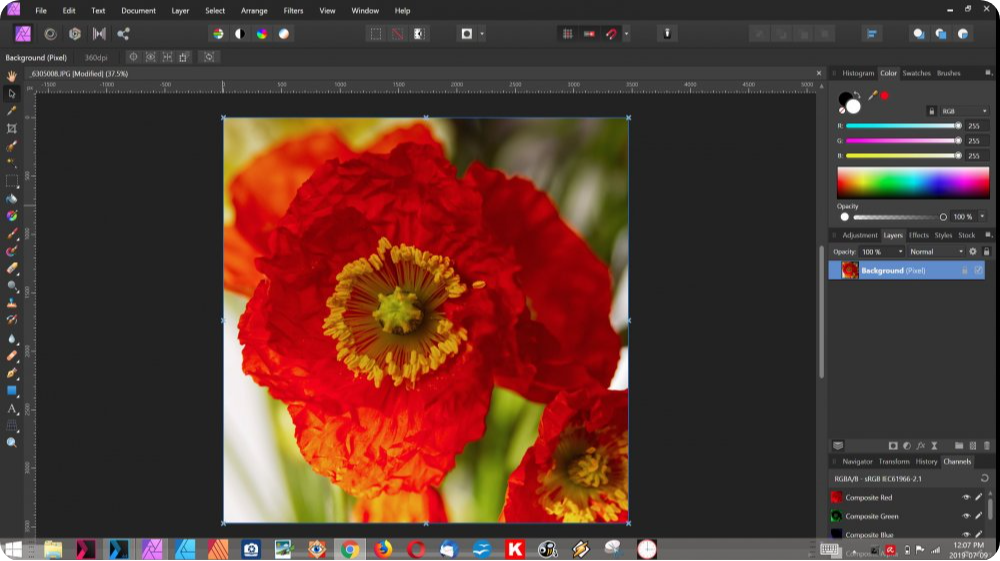
Affinity Photo works across Windows, macOS, and iPad. Compared to Photoshop, it’s far more budget-friendly for both hobbyists and professionals.
Key Features:
- Layer-based editing with masks, adjustment layers, blend modes, and live filter layers.
- Non-destructive RAW photo editing.
- Advanced tools for HDR merging, panorama stitching, and focus stacking.
- Professional retouching tools, including frequency separation, healing, inpainting, and precise selection tools.
- Batch processing for automating repetitive editing tasks.
Editor’s Review:
Affinity Photo is an excellent Photoshop alternative, especially for RAW editing and advanced layer-based workflows. It also supports PSD files, making it easy to collaborate with Photoshop users. That said, performance can suffer if your Mac is low on RAM, and it lacks advanced features like 3D editing or deep video integration. Overall, it offers great value but may not fit every high-end professional workflow.
Pixelmator Pro
Pixelmator Pro is another popular Photoshop alternative for Mac users. Alongside standard editing tools, it integrates AI-powered features such as automatic background removal, super-resolution upscaling, and ML-based selections—making it a strong competitor to Photoshop’s Neural Filters. It also supports RAW editing, layer masks, blending modes, and non-destructive adjustments, and works seamlessly with Apple Photos and Apple Pencil.
Key Features:
- Advanced color controls, including curves, brightness, contrast, and ML-powered auto enhancements.
- Non-destructive editing with layers, masks, and blending modes.
- Full support for non-destructive RAW photo editing.
- Machine learning tools like object removal, super-resolution upscaling, and fast selections.
- Integration with Apple Intelligence, including Image Playground for AI image generation and Writing Tools powered by ChatGPT.
- Precise retouching tools such as Repair, Clone, Brush, and Smart Eraser.
- Built-in templates, mockups, shapes, text tools, and effects for design work.
Editor’s Review:
If you’re looking for a polished, subscription-free editing experience, Pixelmator Pro is worth serious consideration. It strikes a great balance between simplicity and advanced features, all while preserving image quality. The integration with Apple Intelligence is a big bonus. However, it doesn’t support animation or video editing, and very complex multilayer projects may cause occasional crashes.
GIMP
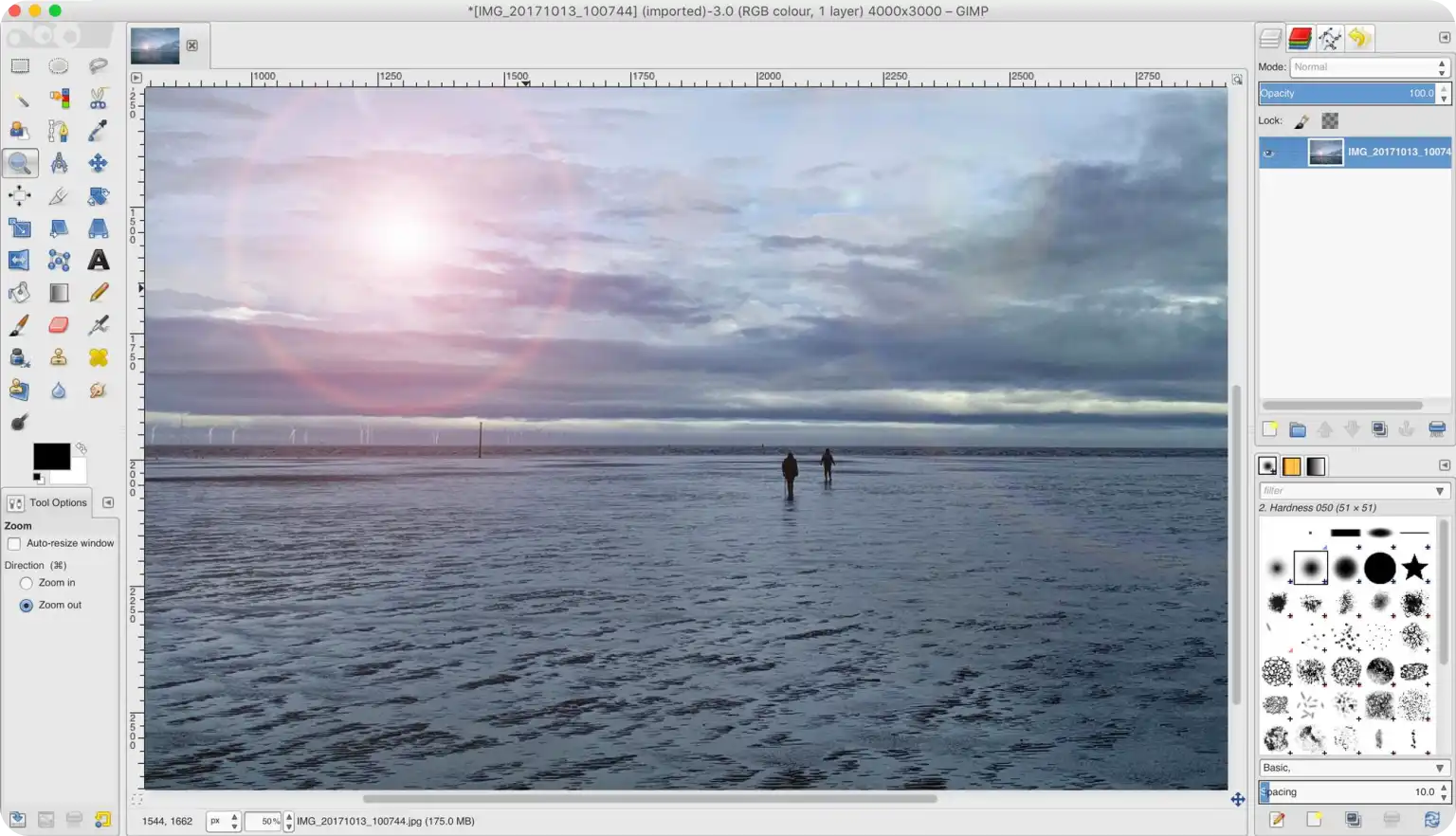
GIMP (GNU Image Manipulation Program) is completely free and open-source—no subscriptions required. Like Photoshop, it uses a layer-based, non-destructive workflow and includes advanced tools such as selection brushes, masks, clone stamping, healing, and curve adjustments.
Key Features:
- Drawing tools, including brushes, pencils, airbrushes, erasers, and ink.
- Precise editing tools for selection, cropping, rotation, transforms, and fills.
- Photo retouching tools like clone, heal, smudge, dodge, blur, and sharpen.
- Layer-based compositing with masks, layer groups, and blending modes.
- Color adjustments for levels, curves, brightness, contrast, and exposure.
- Filters for blur, sharpen, distortion, noise reduction, and artistic effects.
- Support for PSD, RAW, JPEG, and many other file formats.
Editor’s Review:
GIMP is a strong free alternative to Photoshop, offering powerful tools for layers, masks, brushes, selections, and retouching. However, its interface feels dated compared to modern paid tools like Pixelmator Pro. The learning curve can also be steeper due to less intuitive UI design.
Photopea
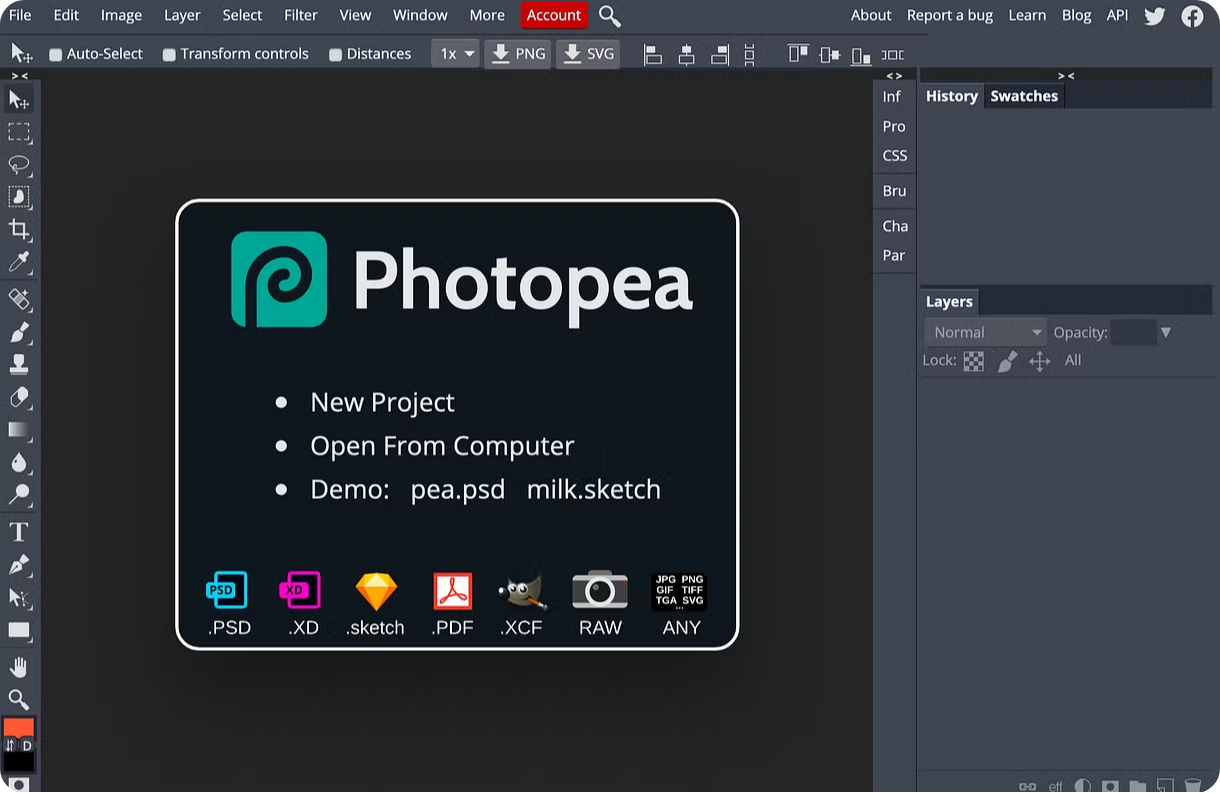
Photopea is a browser-based Photoshop alternative, meaning there’s nothing to download or install. You can access it on virtually any device with an internet connection. Its interface closely mirrors Photoshop’s layout and keyboard shortcuts, making it easy for Photoshop users to transition. It supports many of the same editing tools, including clone stamp, healing brush, and content-aware fill, along with RAW and PSD file support.
Key Features:
- Full support for layers, masks, blending modes, and adjustment layers.
- Editing tools such as lasso, magic wand, quick selection, crop, clone stamp, healing brush, and content-aware fill.
- Brushes, shapes, text tools, gradients, and typography features.
- Filters for blurring, sharpening, noise reduction, and artistic effects.
- Compatibility with PSD, RAW, SVG, and PDF files.
- Automation through actions and scripts.
- AI tools like background removal (premium version).
- Vector editing, 3D layers, and PSD templates for fast social media designs.
Editor’s Review:
You can start with Photopea’s free version. Its interface closely resembles Photoshop, so if you’re familiar with Photoshop, you’ll feel right at home with the layout, shortcuts, and editing tools. You’ll have access to everything from layers and masks to healing brushes and RAW editing. If you upgrade to a paid plan, you’ll get 5GB of cloud storage instead of 0.5GB. Plus, you can use AI tools like Text-to-Image. However, keep in mind that it might slow down when working on very complex projects.
Bonus Tip: How to Optimize Your Mac for Photoshop and Its Alternatives
Working with large files, multiple layers, and cached data requires plenty of free storage on your Mac. When storage space is low, performance can drop sharply, leading to lag, crashes, or prolonged export times.
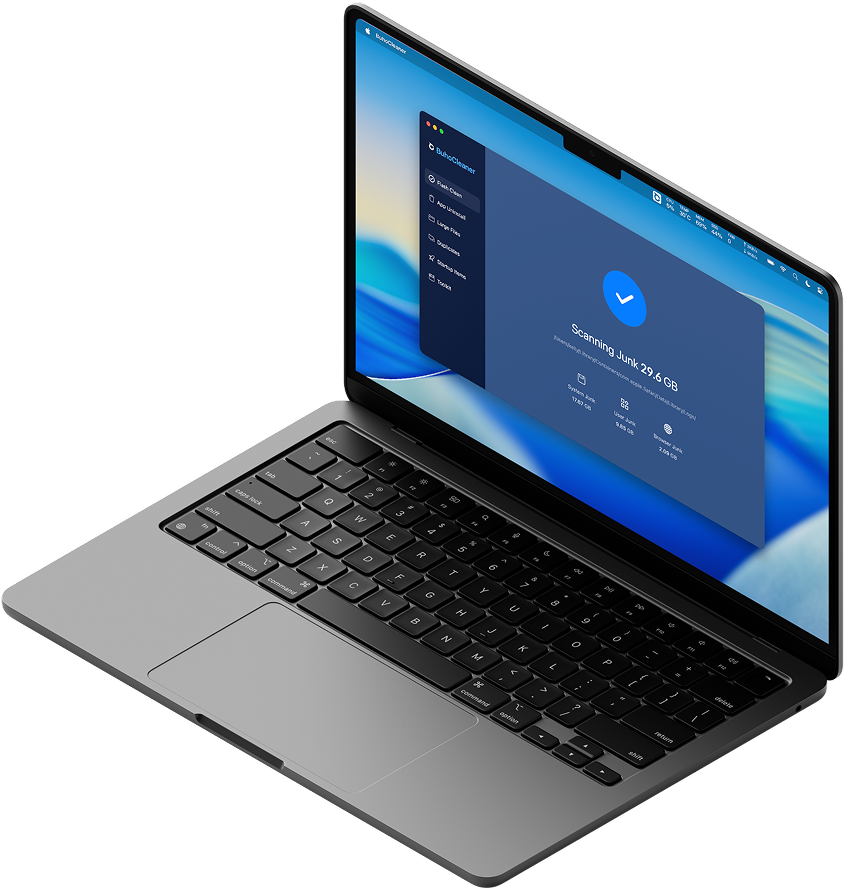
BuhoCleaner is designed to free up valuable disk space on your Mac. It quickly scans your system to remove junk files, duplicates, system caches, large downloads, and other unnecessary data. Many users report performance improvements of 20–50% after reclaiming storage. Click the button below to give it a try.

Conclusion
In this post, we covered both free and paid Photoshop alternatives for Mac. Each tool comes with its own strengths and trade-offs, so it’s worth reviewing its features and our editor’s insights before making a decision. Since advanced image editors can consume significant storage space, pairing them with a tool like BuhoCleaner can help keep your Mac running smoothly and efficiently.