I Tried Tuxera NTFS for Mac and Here's What I Found

Check out my Tuxera NTFS for Mac review, including its read-write performance on NTFS drives, speed, pros, cons, and best alternatives.
When I first switched to macOS, one of the biggest troubles I faced was not being able to perform tasks on my Seagate external hard drive. Why? Because macOS does not support write support to NTFS-formatted drives, and my Seagate disk happens to be one.
As someone who often transfers large files between Windows and Mac, this limitation is unbearable. Luckily, an NTFS for Mac tool can ease the situation by enabling both read-write access to NTFS drives on Mac. And Tuxera NTFS for Mac is such a tool.
How’s Tuexra NTFS for Mac doing? Below is my first-hand Tuxera NTFS for Mac review.

Installation and Setup
Installing Tuxera NTFS for Mac on my M1 Mac was straightforward and didn’t take much time. The setup wizard walked me through the steps, and after a required reboot, my NTFS external drives were instantly recognized. While the reboot sort of made the whole process less seamless, compared to a few free NTFS drivers I tested, Tuxera felt more stable and set-and-forget.


After a quick setup, you can start your 14-day free trial, which is very generous. If you’re satisfied with the NTFS driver, you can make a one-time purchase of $15 and use it on up to 3 home devices.
Tuxera’s panel is clean and simple, which resembles macOS Disk Utility. I can see mounted drives, check integrity, toggle caching, and choose read-only mounts when I just want safe browsing. It plays fine with both Intel and Apple silicon Macs, and I’ve used it across recent macOS releases, say, the latest macOS Tahoe, without drama.


Performance and Reliability
To start with, Tuxera has been reliable in my daily use. That’s also the feedback from users with years of experience. It’s a lightweight background application that runs smoothly with minimal user input. It’s simple enough for beginners to use for transferring NTFS files to Mac devices. You can easily copy files to an NTFS drive on your Mac, remove unwanted files, and even edit documents stored on NTFS drives directly from macOS.


Yet, Tuexra is also powerful enough for advanced users to use as a disk management tool. It comes with handy controls for every drive attached to your Mac. With the Maintenance tool, you can scan and fix volume errors, and the Format function makes it easy to wipe a drive for fresh use. The only catch is that it manages volumes only, not full disks. So it’s great for everyday file operations but not for deeper disk-level tasks.
I also ran side-by-side tests on an external NTFS SSD and a native SSD to compare the read-write speed. The macOS-friendly SSD benchmarks faster for sustained writes and large files, whereas Tuxera can fall behind by a noticeable margin when reading and writing the external NTFS drive. However, when dealing with lightweight files, Tuxera does a fair job.
Tuxera NTFS for Mac: Pros & Cons
With my hands-on experience, I’ve summarized the main strengths and weaknesses of Tuexra NTFS for Mac below. This overview should help you quickly understand where Tuxera stands out, and where it still has room for improvement.
| Pros | Cons |
|---|---|
| Solid read-write access to NTFS on macOS with good stability. | Slower write speed on SSDs, especially for large, sustained transfers. |
| Simple control panel with options like read-only mounts and caching. | Requires a reboot after installation and macOS security approvals (system extension, full disk access). |
| Great compatibility, works on both Intel and Apple silicon machines. | Doesn’t coexist well with other NTFS drivers. Keeping multiple drivers installed can cause mounting conflicts or instability. |
| Value pricing and more generous home licensing. | Cache trade-off: turning caching off is safer for quick unplugging, but it slows writes. Turning it on is faster but requires careful ejecting. |
| Modern UI and minimal background fuss once configured. |
Best Tuxera NTFS for Mac Alternative: BuhoNTFS
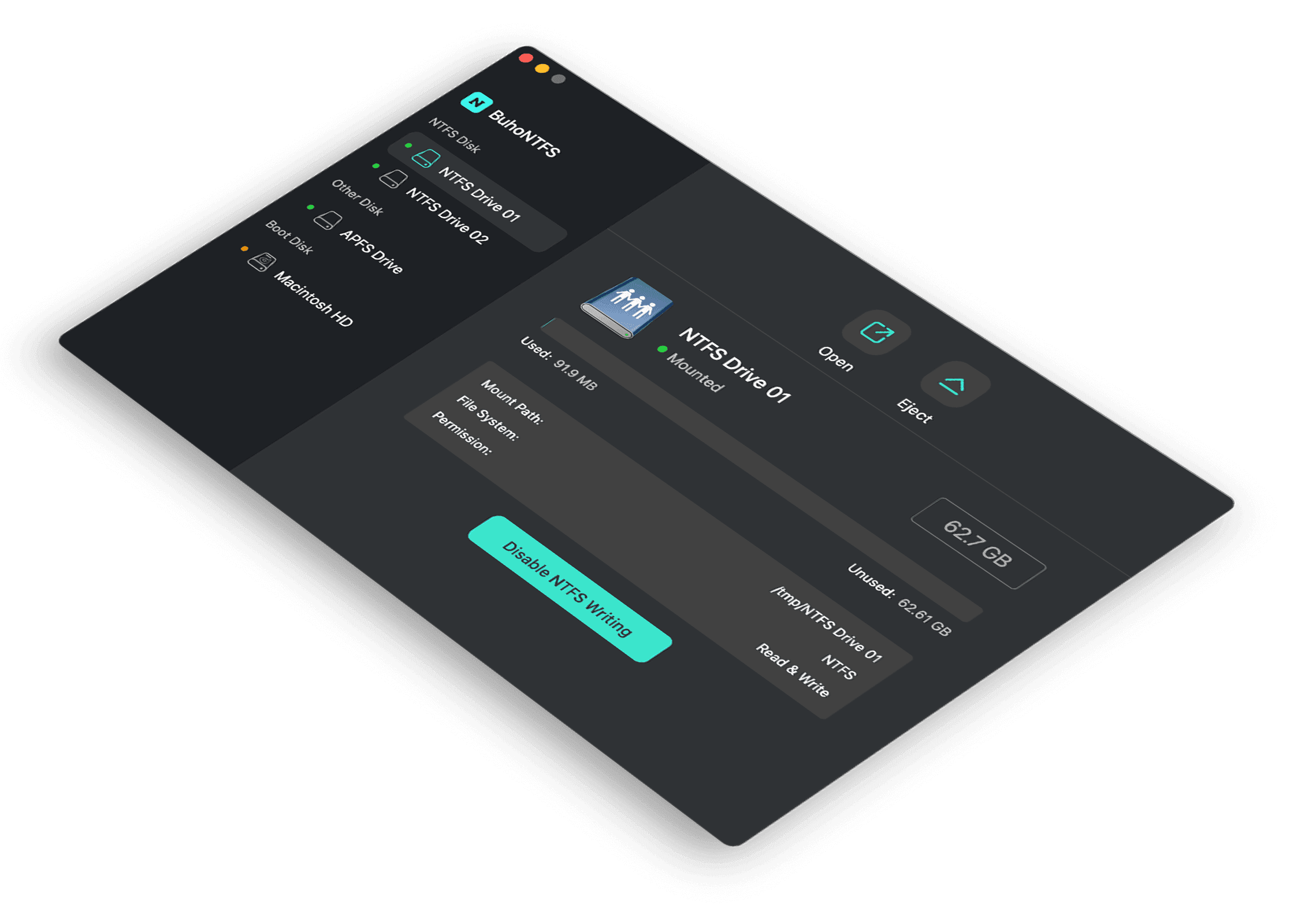
If you’re looking for an alternative to Tuxera that’s lighter, faster, and built with a more modern macOS feel, BuhoNTFS is an excellent option. It offers seamless read-and-write access to NTFS drives and takes a plug-and-play approach. Just connect your drive, and it’s ready to use without rebooting your device.


Unlike traditional NTFS drivers that rely on a separate control panel, BuhoNTFS integrates neatly into the macOS menu bar. From there, you can quickly mount, open, and manage NTFS drives without digging through system menus.
Another advantage is its compatibility. BuhoNTFS supports both Intel and Apple Silicon Macs and runs smoothly on the latest versions of macOS. Performance-wise, file transfers feel responsive, and there’s no noticeable lag when editing even large files directly on an NTFS drive.
When it comes to pricing, BuhoNTFS gives you flexibility. You can choose between annual plans ($9.99/Mac/Year) or a lifetime license that includes free updates. Either plan strikes a balance between value and efficiency.
Overall, if you like Tuxera’s stability but want a simpler interface and quicker setup, BuhoNTFS offers a well-rounded, future-proof alternative.
Is Tuxera NTFS for Mac Worth It?
For me, yes. I need reliable NTFS write access, and I like the straightforward setup and licensing. I’m aware of the speed trade-offs on SSDs, but in my real workflows, Tuxera has been stable and predictable. If you move huge files daily and every minute counts, try other NTFS drivers such as BuhoNTFS first. If you want dependable NTFS support at a friendlier price with multi-home installs, Tuxera is a strong pick.
Cassie has been writing about technology for her entire career life - over 5 years. She enjoys diving into how Apple products work and then breaking it down in a way anyone can understand.