I Tried EaseUS NTFS for Mac and Here's My Honest Review

This is a full review about EaseUS NTFS for Mac, including how it works, pricing plans, installation and setup, performance, and best alternatives.
If you’ve ever plugged a Windows-formatted external drive into your Mac, you probably hit the same wall I did: macOS can read NTFS drives, but writing to them is somehow blocked. I ran into this while sharing a portable NTFS SSD with a Windows PC. My Mac could open files, but I couldn’t copy new files back, rename folders, or delete anything on that NTFS drive.
That’s the reason I tried EaseUS NTFS for Mac. In this review, I’ll share what the experience felt like in real use: installation, day-to-day performance, pros and cons, and whether it’s worth the penny.

What Does EaseUS NTFS for Mac Do?
On macOS, NTFS drives are supported in a limited read-only way by default. Files can be opened and copied from the drive, but common writing actions are not supported. EaseUS NTFS for Mac is designed specifically to address this gap.
Its purpose is to enable full NTFS read/write access on macOS, so an NTFS drive can be used like a standard external disk rather than a view-only storage device on Mac. With EaseUS NTFS for Mac, you can do all the following:
- Rename folders and reorganize directory structures directly on the NTFS drive
- Delete files and folders on the NTFS volume to free up storage
- Move files within the NTFS drive
- Modify content in NTFS format
- Identify minor disk issues and repair them
In short, the tool’s role is not to change the NTFS file system itself, but to provide the missing macOS-side capability: writing to NTFS.
Pricing
EaseUS NTFS for Mac offers a limited free version, but to unlock full features, users have to purchase a paid plan. There are two main pricing options to suit different user needs.
- Monthly Plan: Priced at $14.95 per month and includes a 1-month free upgrade.
- Lifetime Plan: Priced at $49.95 for a one-time payment and includes lifetime free upgrades.
Both plans are available for use on 1 computer.
Installation & Setup
I’m going to be honest: most NTFS tools on Mac come with some level of system permission friction, and EaseUS is no exception, so expect a couple of prompts.
What I experienced was roughly:
- Install the app.
- macOS asks for system permissions, and a reboot is required after.
- Plug in the NTFS drive. EaseUS will quickly recognize the NTFS drive.
- Enable write mode (or let it mount in a writable state).
Once everything is approved, it becomes pretty invisible on the menu bar. You can mount/unmount the drive with one click, which is pretty helpful when you’re trying to safely eject drives.


EaseUS NTFS for Mac Performance
This is what matters most to me. In my day-to-day use, this NTFS for Mac software performs fairly well. Copying large files feels stable, with no weird interruptions or Finder freezing. Speeds depend heavily on my drive and connection, but EaseUS doesn’t feel like the bottleneck in my normal work.
When working directly on the NTFS drive (documents, media files, project folders), it shows smooth workflows as well. I can now edit NTFS-formatted content the way I can with any other drive on my Mac. Whether I’m working with large media files or smaller documents, the file operations are executed with speed and reliability, making the overall experience incredibly seamless.


The software also shines in terms of its stability. I’ve yet to experience any data corruption or unexpected errors while using it, which gives me confidence in its ability to handle important files without risk. Plus, it supports a wide range of compatibility (up to the latest macOS Tahoe) and provides in-time customer support.
My Overall Review: Pros and Cons
Overall, the pros and cons are as follows:
Pros
- Full NTFS write support on macOS, including the latest macOS Tahoe
- Seamless integration with the macOS menu bar
- Simple workflow once installed, perfect for beginners
Cons
- Some users have experienced compatibility issues with specific NTFS drives, resulting in functionality problems or failed mounts
- A few users have pointed out the mandatory Apple ID sign-in, which may feel intrusive or unnecessary
- The free version has restrictions on certain features, and the subscription fee is a bit pricy
Best EaseUS NTFS for Mac Alternatives
EaseUS NTFS for Mac is a fair solution if you want to enjoy cross-platform compatibility on NTFS drives. However, if you’d like to try other options, say, free NTFS drivers, or more reputable choices, here are a few common alternatives:
BuhoNTFS
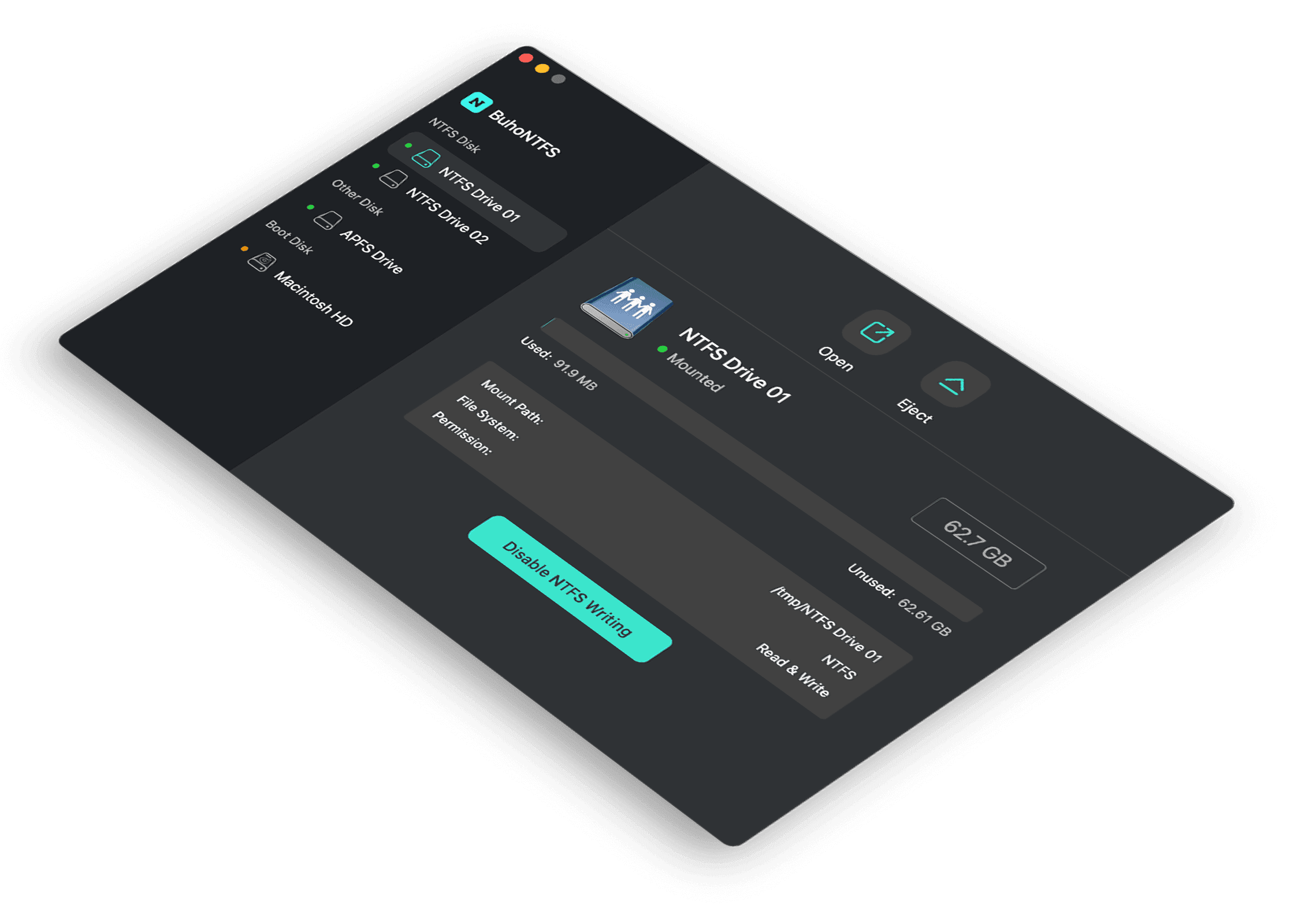
BuhoNTFS is an emerging NTFS for Mac tool that perfectly balances performance and the price tag. It is designed to be a budget-friendly solution with everything that EaseUS NTFS for Mac offers. If you are aiming for complete NTFS-writing support, high-speed data transfer, and native macOS integration, BuhoNTFS is the one that costs you the least.


Paragon NTFS for Mac
Paragon NTFS for Mac is a highly popular solution for users needing full read/write access to NTFS-formatted drives on macOS. Known for its fast performance and seamless integration with macOS, it provides a user-friendly interface with robust features like automatic mounting of NTFS drives. However, it comes with a much higher price tag compared to some other options, though it offers excellent reliability and support.


Tuxera NTFS for Mac
Tuxera NTFS for Mac is another well-regarded alternative that provides full NTFS read and write functionality for macOS users. It boasts excellent compatibility, even with older macOS versions, and offers high-speed data transfers. Tuxera is known for its solid support for large files and data-intensive tasks.


Mounty
Last but not least, Mounty is a free and open-source alternative that provides basic NTFS write support on macOS. It’s simple to use, with minimal configuration required, and supports quick file editing on NTFS drives.
However, while it’s a solid free option, it lacks advanced features and could be less stable for users handling large volumes of data or requiring frequent access to NTFS drives. It’s great for casual use, but users who need more robust functionality might find it limiting.
Verdict: Is EaseUS NTFS for Mac Good?
To sum up, EaseUS NTFS for Mac is a solid and reliable solution for Mac users needing full read/write access to NTFS-formatted drives. Thanks to its seamless integration with macOS and stable performance, I’ll give it 4.5/5. If you are looking for alternatives, this review also lists other NTFS for Mac software - check them out!
Clare has been captivated by the world of Apple products since the launch of the iconic iPhone in 2007. With a wealth of experience, Clare is your go-to source for iPhone, iPad, Mac, and all things Apple.