- macOS 27 Installation
- macOS 27 Problems
macOS 27 Golden Gate Developer Beta: Download and Install Guide

The macOS 27 Developer Beta is now available. Learn how to download and install macOS 27 Golden Gate on your Mac and explore Apple’s latest features before the official release.
At WWDC 2026, Apple introduced macOS 27 Golden Gate, a major macOS update focused on Apple Intelligence, a redesigned Siri, performance improvements, and Liquid Glass refinements.
The macOS 27 Developer Beta is available now for testing via the Apple Developer Program. In this guide, you’ll learn how to get macOS 27 Developer Beta step by step.
3 Things to Do Before Installing macOS 27 Golden Gate
Before installing macOS 27, it’s important to prepare your Mac properly. This helps reduce installation issues and prevents data loss.
Check if Your Mac Supports macOS 27
macOS 27 Golden Gate is a major milestone: it is the first macOS version that fully drops Intel Mac support.
That means only Apple silicon Macs are supported. Supported devices include:
- MacBook Air (M1 and later)
- MacBook Pro (M1 and later)
- iMac (Apple silicon, 2021 and later)
- Mac mini (M1 and later)
- Mac Studio (2022 and later)
- Mac Pro (Apple silicon, 2023 and later)
- MacBook Neo (2026)


Make Sure Your Mac Has Enough Storage Space
The macOS 27 Developer Beta is large and requires additional temporary space during installation.
Make sure your Mac has at least 40 GB of free storage before upgrading to macOS 27 Golden Gate.
To check your Mac's storage:
- Open System Settings > General > Storage
- Check available disk space.


If your Mac is running low on storage, it’s recommended to clean up unnecessary files before installing macOS 27.
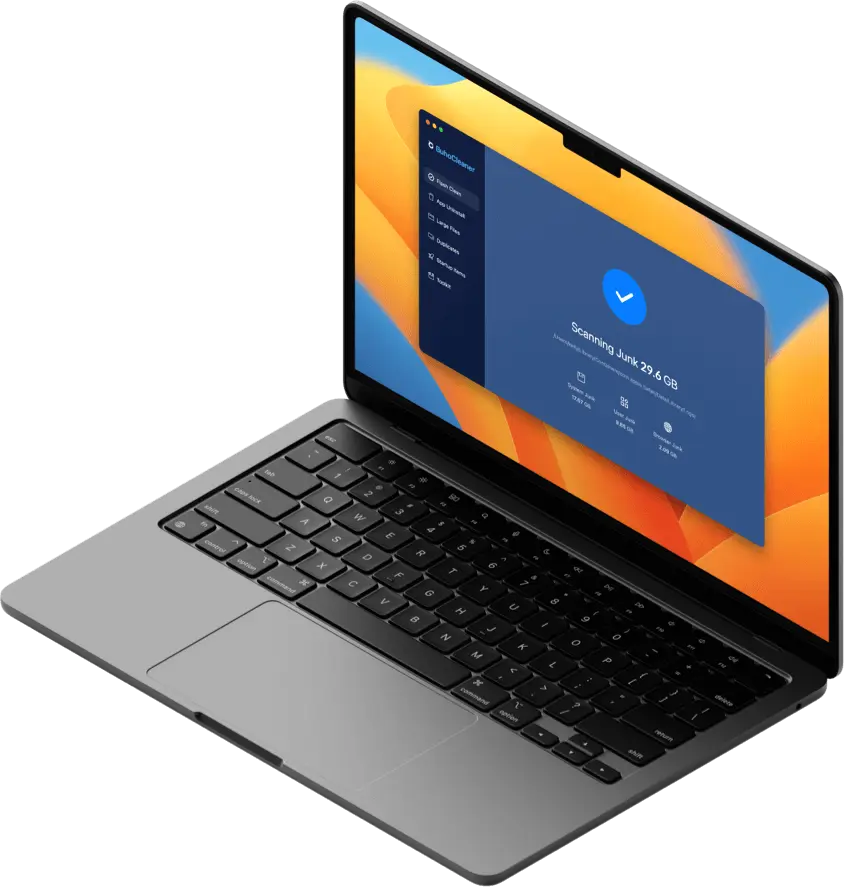
Mac cleaners like BuhoCleaner can help you quickly remove system junk, duplicate files, and large unused data, freeing up gigabytes of space in minutes. Click the button below to give it a try.


Back Up Your Mac
Like all beta software, macOS 27 Developer Beta may include bugs and stability issues.
Before installing Apple macOS 27 Golden Gate Developer Beta, always back up your Mac with Time Machine, iCloud, or any trusted backup solution.
A full backup ensures you can restore your system if something goes wrong or if you decide to downgrade from macOS Golden Gate.
How to Download and Install macOS 27 Golden Gate Developer Beta
Apple released the macOS 27 Developer Beta immediately after WWDC 2026. Developers can install it directly from System Settings after enrolling in the Apple Developer Program.
Here's how:
- Visit the Apple Developer Program website and enroll with your Apple ID.
- Once succeeded, open System Settings on your Mac and navigate to “General” and “Software Update.”
- Click the i button next to "Beta Update", select macOS Golden Gate 27 Developer Beta from the dropdown menu, and click "Done".
- Back to the Software Update interface, the macOS 26 developer beta will appear as an available update.
- Click Upgrade Now and follow the on-screen instructions to complete the installation.


What’s New in macOS 27 Golden Gate?
Apple macOS 27 Golden Gate introduces major improvements across performance, design, and AI features.
Key highlights include:
- A redesigned Siri powered by Apple Intelligence
- Spotlight upgraded with “Search or Ask” functionality
- Faster system-wide search indexing
- Improved Mail and Photos search performance
- Liquid Glass interface refinements with better contrast controls
- System-wide performance improvements
- More intelligent automation via Shortcuts and Siri AI
- Improved privacy, parental controls, and safety features
FAQs About macOS 27 Developer Beta
Is macOS 27 Developer Beta Stable?
Not fully. As a developer beta, macOS 27 Golden Gate may include bugs, crashes, battery drain, and app compatibility issues. It is recommended to avoid installing it on your main production Mac.
Why Can’t I Install macOS 27 on My Intel Mac?
macOS 27 is the first macOS version that completely removes Intel Mac support. You will need an Apple silicon Mac (M1 or later) to install Apple macOS 27 Golden Gate.
Intel Macs will remain on macOS Tahoe and may still receive security updates for a limited time.
Can I Install macOS 27 Developer Beta on an External Drive?
Yes. You can install macOS 27 Golden Gate on an external SSD to test it without affecting your main system. This is a common setup for developers and early adopters.
Can I Downgrade from macOS 27 Developer Beta?
Yes, but only if you have a backup. To downgrade, you need to erase macOS 27 and restore your Mac from a Time Machine backup made before the upgrade.
Why Don’t I See macOS 27 Developer Beta in Software Update?
If macOS 27 Golden Gate beta does not appear:
- Make sure you are signed into the correct Apple Account
- Verify Developer Program enrollment
- Restart your Mac
- Check your internet connection
- Reopen Software Update
Final Thoughts
macOS 27 Golden Gate is a major step forward for the Mac platform, introducing Apple Intelligence integration, a redesigned Siri experience, and significant performance improvements.
If your Mac is compatible and properly backed up, installing macOS 27 Developer Beta is straightforward.
However, because it is still early beta software, it is best used on a secondary partition, external drive, or non-primary device whenever possible.
Clare has been captivated by the world of Apple products since the launch of the iconic iPhone in 2007. With a wealth of experience, Clare is your go-to source for iPhone, iPad, Mac, and all things Apple.