- iOS 27 Installation
- iOS 27 Problems
How to Download and Install iOS 27 Developer Beta

Want to try iOS 27 before everyone else? Apple has officially released the first iOS 27 Developer Beta following WWDC 2026, giving developers and early adopters early access to the latest features, including a redesigned Siri experience, Apple Intelligence enhancements, and improvements to the Liquid Glass design.
In this guide, you'll learn how to download and install the iOS 27 Developer Beta and everything you need to know before and after upgrading.
Before You Install iOS 27 Beta
Beta software is still under development. While it gives you early access to new features, it may also include bugs, app compatibility issues, battery drain, and performance problems. Before installing any beta software, Apple strongly recommends backing up your iPhone.
What You'll Need
Before downloading the iOS 27 beta, make sure you have:
- A compatible iPhone
- A stable Wi-Fi connection
- At least 10–15 GB of available storage
- A recent iCloud or computer backup
- An Apple Developer account (for the Developer Beta)
Which iPhones Support iOS 27?
Apple has officially confirmed that iOS 27 supports the iPhone 11 and newer models.
Supported devices include:
- iPhone 17 series
- iPhone 16 series
- iPhone 15 series
- iPhone 14 series
- iPhone 13 series
- iPhone 12 series
- iPhone 11 series
- iPhone SE (2nd generation and lator)


How to Download and Install iOS 27 Developer Beta
If you're a developer, tech enthusiast, or simply want to try new features before the public release, you can get the iOS 27 Developer Beta by following these steps:
- Visit the Apple Developer Program website and click Enroll > Start Your Enrollment.
- Sign in with your Apple Account and follow the instructions to enroll in the free Apple Developer program.
- On your iPhone, go to Settings > General > Software Update.
- Tap Beta Updates, select iOS 27 Developer Beta, then return to the previous screen.
- Tap Update Now and follow the on-screen instructions to complete the installation.


Should You Install iOS 27 Developer Beta?
Install iOS 27 Beta If:
- You enjoy testing new features before they're officially released.
- You're a developer testing app compatibility.
- You have a secondary iPhone available for beta testing.
Wait for the Public Release If:
- This is your primary iPhone.
- You need maximum stability and reliability.
- You rely on banking, work, or other mission-critical apps.
Bonus: How to Downgrade iOS 27 Beta to iOS 26
Installed the iOS 27 beta and running into bugs, poor battery life, overheating, or app compatibility issues? You may want to downgrade back to iOS 26 until a more stable version becomes available.
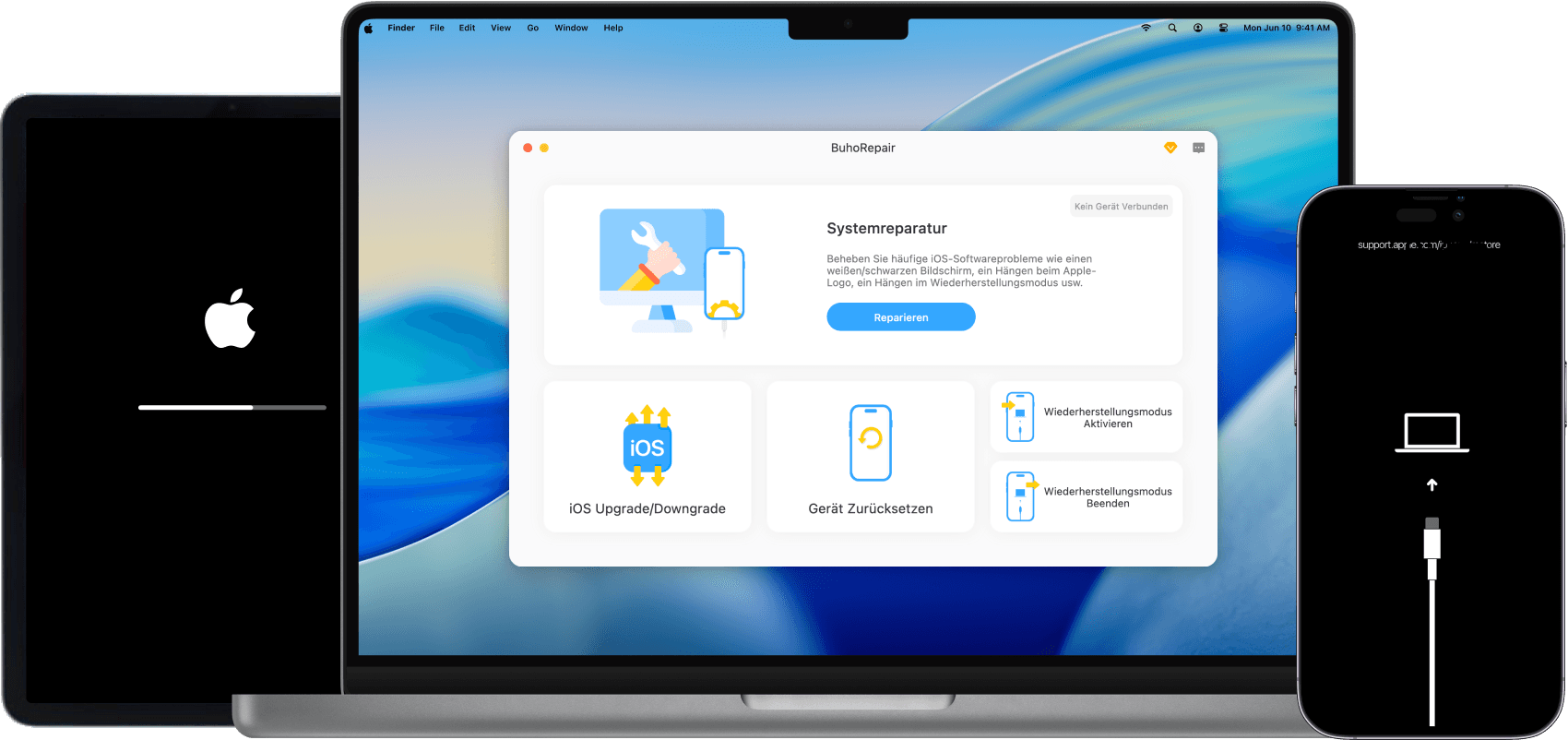
One option is to use a dedicated iOS downgrade tool like BuhoRepair, which simplifies the downgrade process and doesn't require you to manually put your device into Recovery Mode.
Here's how to downgrade iOS 27 beta to iOS 26 with BuhoRepair:
- Download and install BuhoRepair on your Mac or Windows PC.
- Connect your iPhone to your computer using a USB cable.
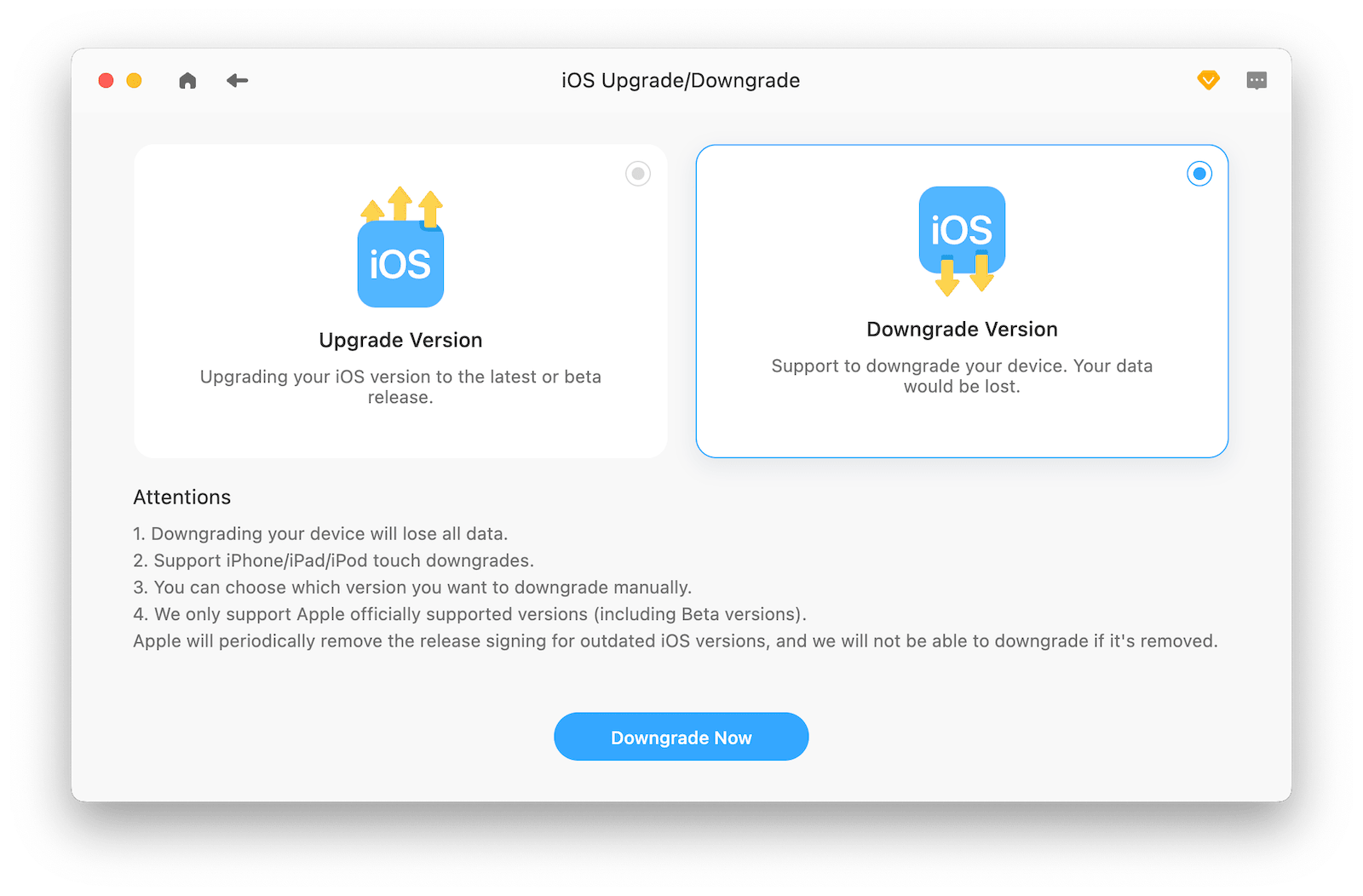
- Launch BuhoRepair and select Upgrade/Downgrade iOS.
- Choose Downgrade Version and click Downgrade Now.
- Select the iOS version you want to downgrade to and click Download.
- Follow the on-screen instructions to complete the downgrade.



Final Thoughts
Installing the iOS 27 beta is easier than ever. Whether you choose the Developer Beta or wait for the Public Beta, you'll get early access to Apple's latest innovations and improvements.
However, beta software isn't for everyone. If you rely on your iPhone every day, it's usually best to wait for a more stable release. And if you decide the beta isn't right for you, tools like BuhoRepair can help you downgrade from iOS 27 beta to iOS 26 with minimal hassle.
Robert is a tech-savvy fan who loves all things Apple. As a hobbyist of gardening and meditation, he is also a seasoned writer covering a wide array of Apple products, like iPhone, iPad, iOS, and more.